メールでお問い合わせ :
info@labcompanion.cn
-

-

電話をリクエストする :
+86 18688888286

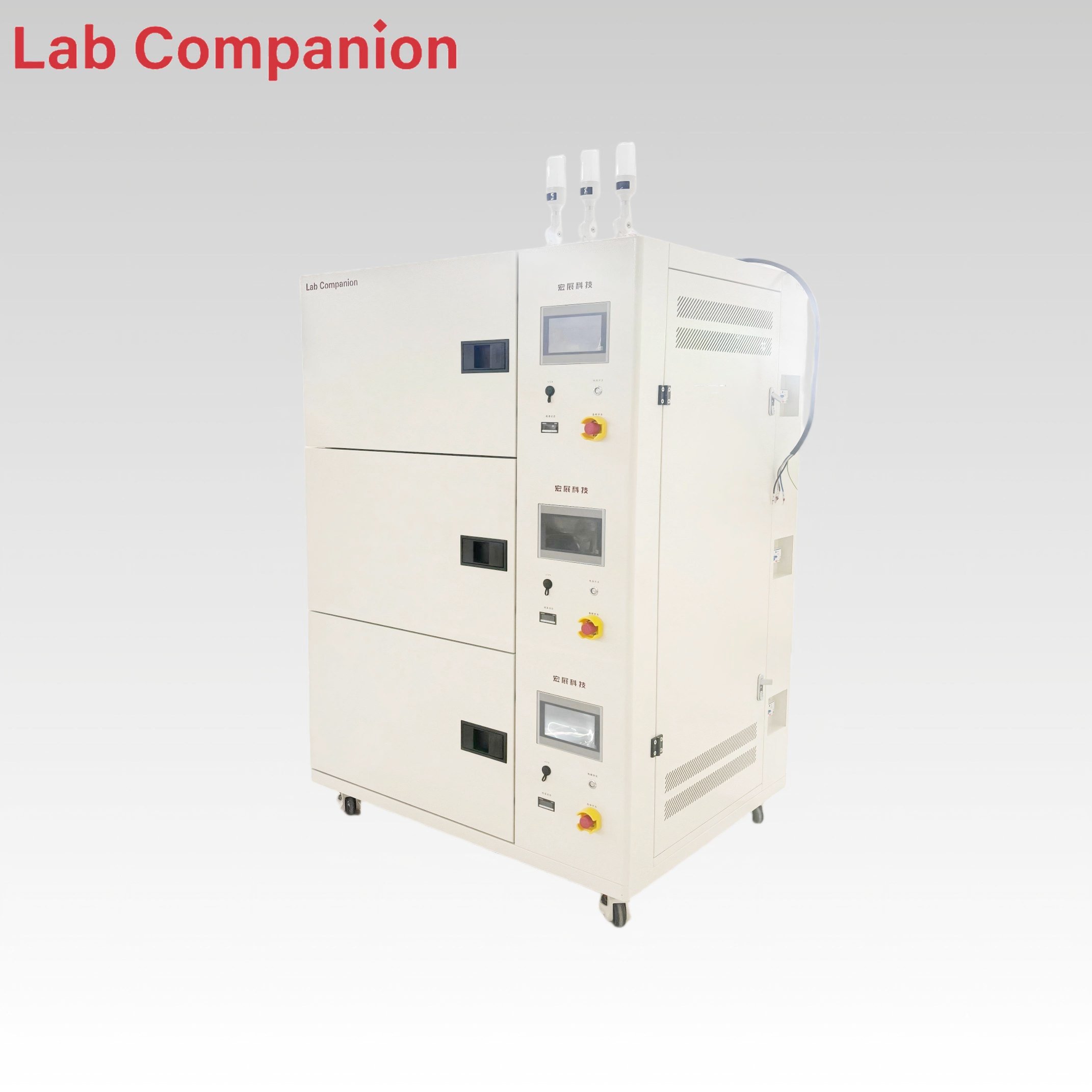
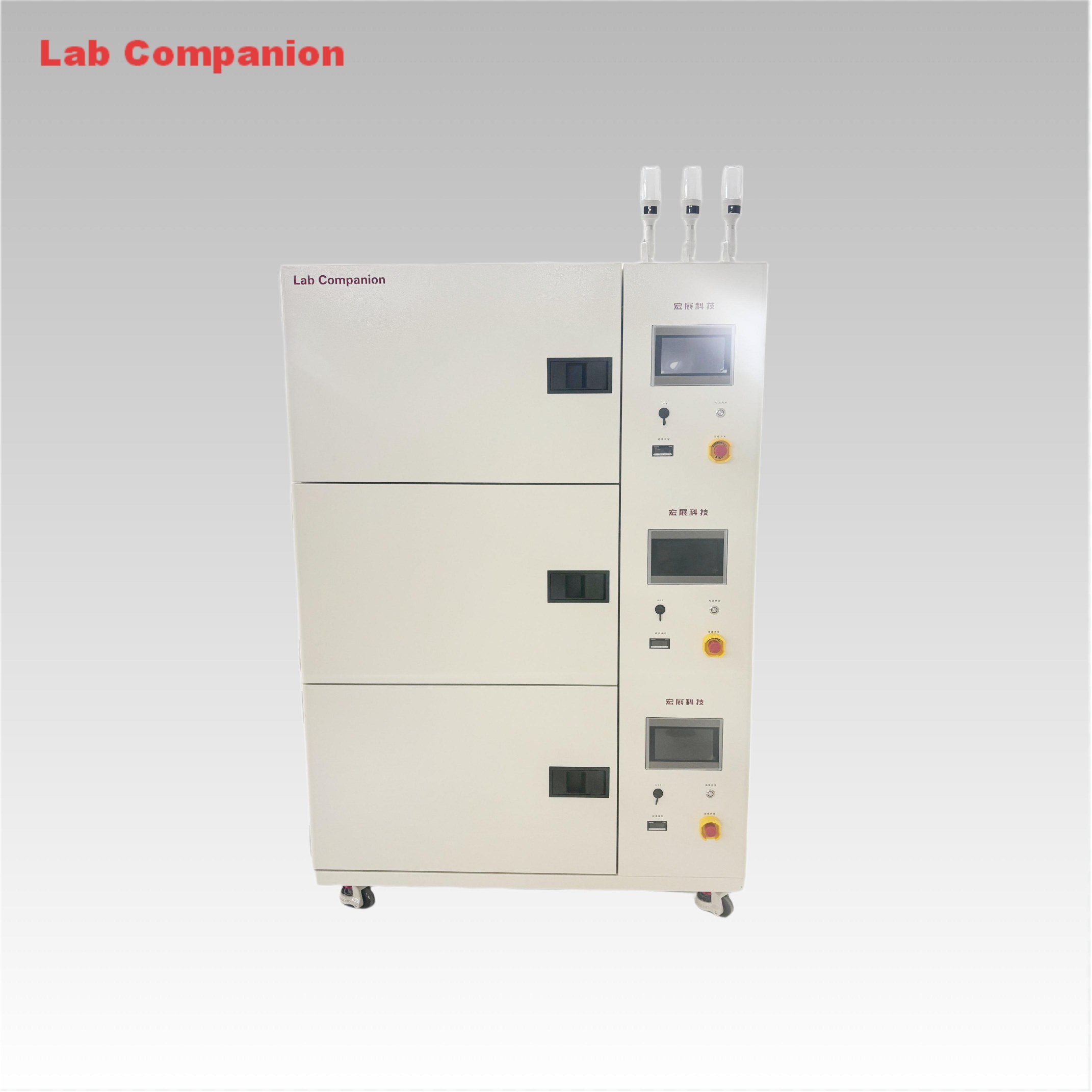
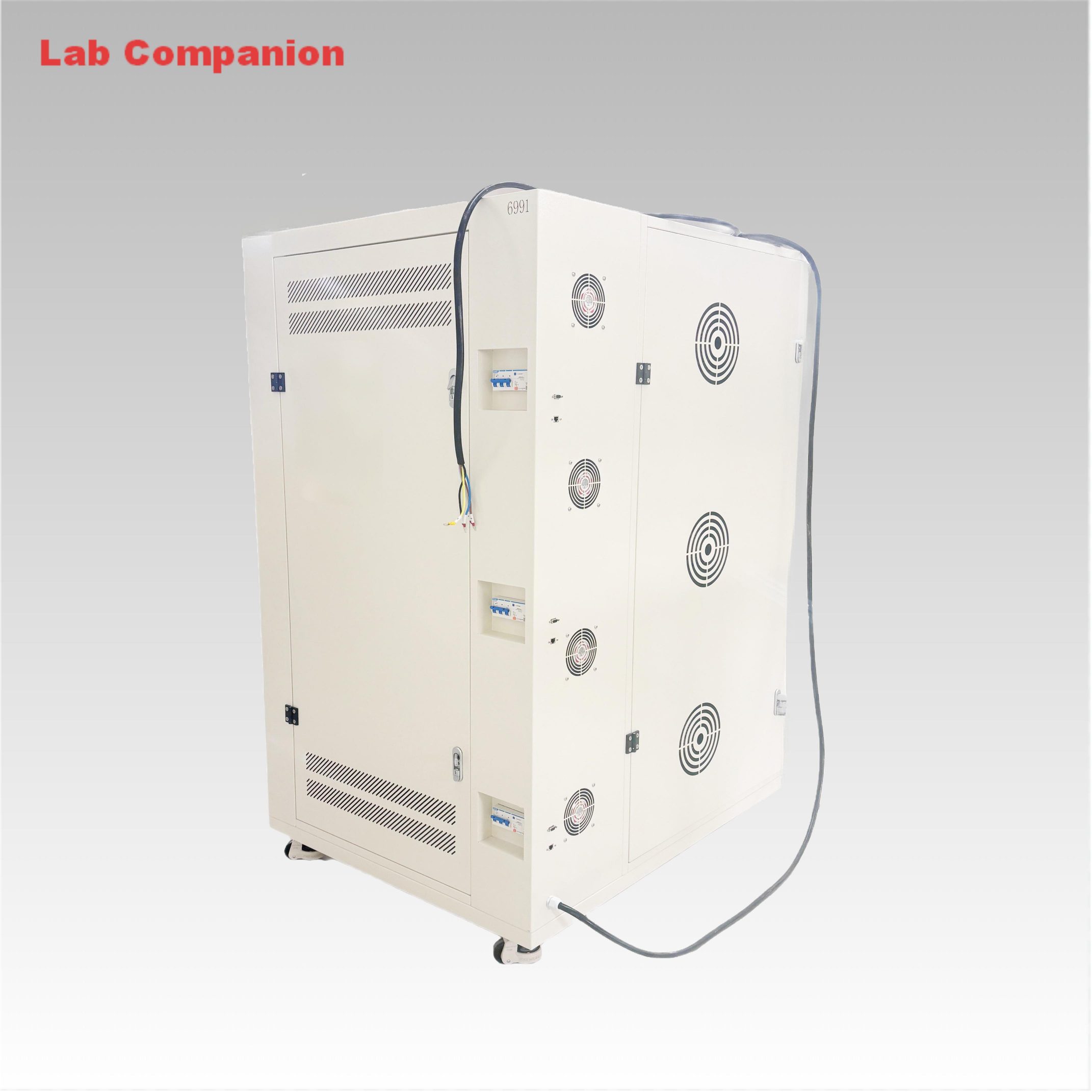
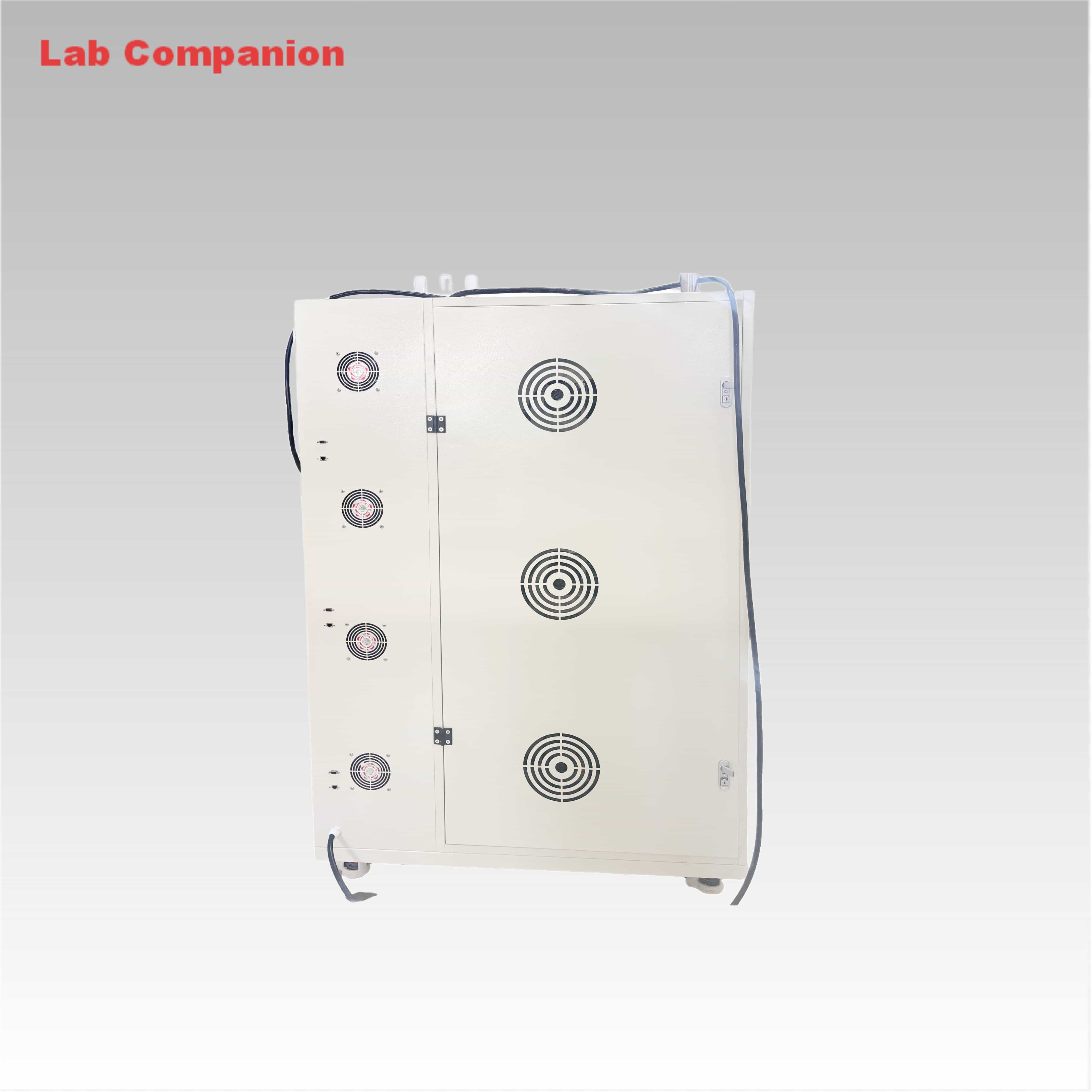
86L 3-Tier Multi-Layer Precision Oven for Industrial Testing
This 86L multi-layer precision oven is a versatile solution for aging, drying, baking, curing, bonding, and defoaming processes. Specifically engineered, it conducts adaptability tests on diverse products, components, and materials under high-temperature and constant-temperature conditions, simulating real-world storage, transportation, and operational environments. Each layer is equipped with an independent power switch for separate control, and it adopts a left-right air circulation principle to ensure high temperature uniformity. The temperature range is from room temperature +10℃ to +150℃ (air-cooled type).
商品番号 :
OVEN-86-3C注文(最小注文数量) :
1製品の原産地 :
China色 :
WhiteIndustrial Grade 86L 3-Tier Multi-Layer Precision Oven
Technical Features:
|
Dimensions (mm) |
Width |
Height |
Depth |
|
Internal |
550 |
400 |
390 |
|
External |
1200 |
1800 |
950 |
Temperature range: RT℃ to +150℃
Temperature uniformity: ≤±2.0℃
Temperature fluctuation: ≤±0.5℃
Temperature deviation: ≤±2.0℃
Temperature rise time: ≥3.0℃/min (RT℃ to +200℃) (non-linear heating, approximately 60 minutes without load)
Other parameters
Power supply specification: AC 380v, 50/60hz, 3∮5 wires
Rated current: AC 21A, power 8KW
This machine is specifically designed for the power supply indicated above. Please use it according to the rated power distribution. If you need to change the usage area, please contact our company. Business Tel: +86 186 88888 286.
86L Multi-Layer Precision Oven with Uniform Temperature Control
High-Precision 86L 3-Tier Multi-Layer Industrial Baking Oven
Lab Companion 86L Multi-Layer Precision Oven for Labs
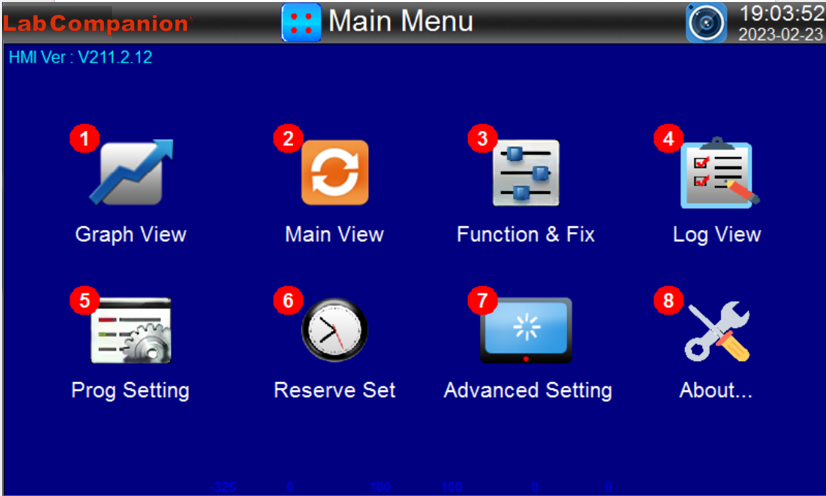
|
NUMBER |
Indication Content |
Content Description |
|
① |
Graph View |
Move to the program curve view,history curve and setting screen. |
|
② |
Main View |
Move to the fixed value/program control screen. |
|
③ |
Function & Fix |
Move to the additional function and operation mode setting screen. |
|
④ |
Log View |
Move to the operation record view screen. |
|
⑤ |
Prog Setting |
Move to the group setting menu screen. |
|
⑥ |
Reserve Set |
Move to the current time and scheduled running time setting screen. |
|
⑦ |
Advanced Setting |
Move to the menu screen of file backup,communication setting,manual debugging, fault recording and screen capture browsing. |
|
⑧ |
About... |
Move to the screen for viewing user information and current touch screen system status. |
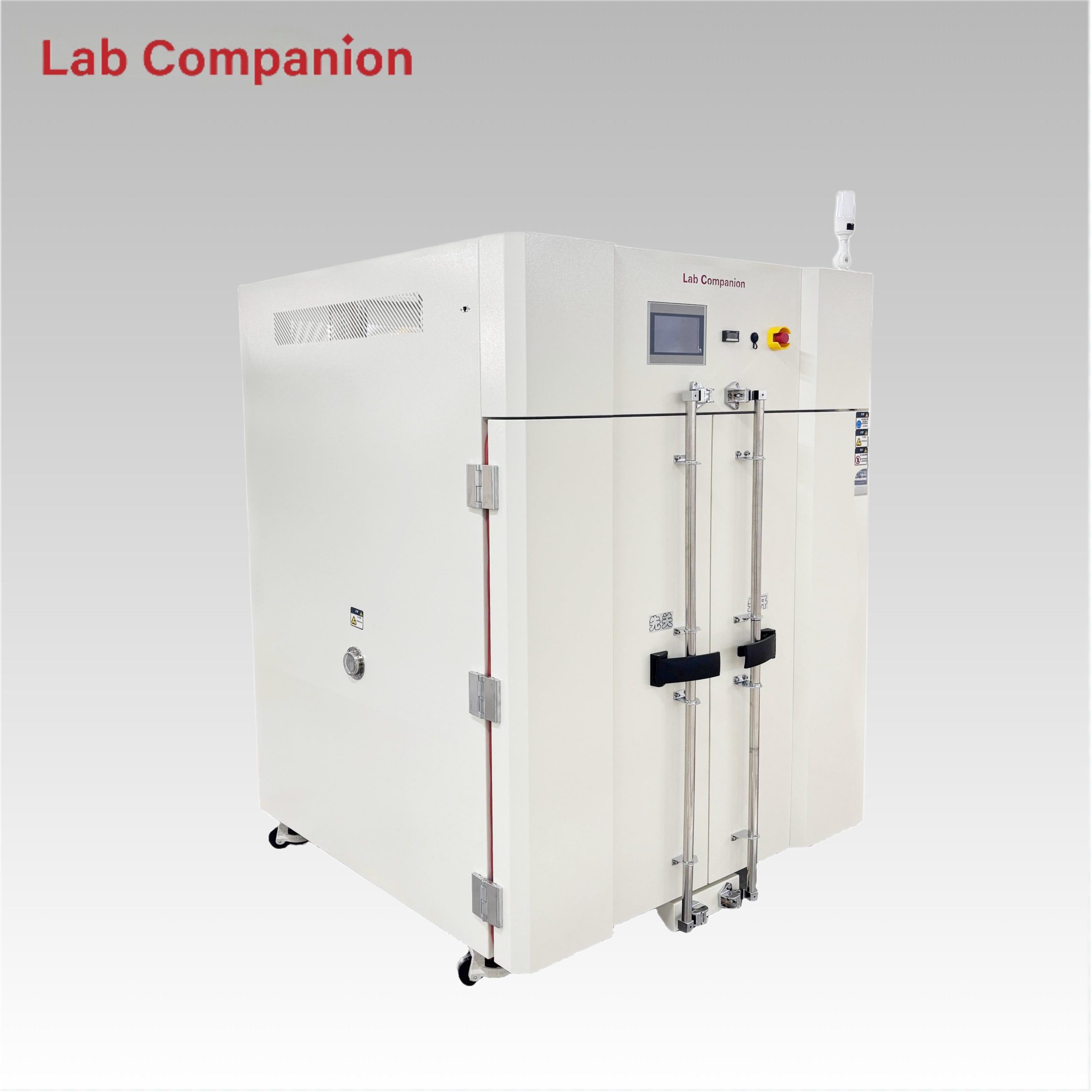
CE 1000L Dual Door Precision Oven for Industrial Testing This 1000L industrial precision oven features a double-door structure for flexible operation, equipped with a C100 touch screen controller and triple over-temperature protection. It has a precise temperature range of ambient +10℃ to 200℃; its left-right air convection system ensures uniform air and heat distribution, ideal for aging, drying, curing, bonding, defoaming and other industrial processes.
続きを読む
86L 3-Tier Multi-Layer Precision Oven for Industrial Testing This 86L multi-layer precision oven is a versatile solution for aging, drying, baking, curing, bonding, and defoaming processes. Specifically engineered, it conducts adaptability tests on diverse products, components, and materials under high-temperature and constant-temperature conditions, simulating real-world storage, transportation, and operational environments. Each layer is equipped with an independent power switch for separate control, and it adopts a left-right air circulation principle to ensure high temperature uniformity. The temperature range is from room temperature +10℃ to +150℃ (air-cooled type).
続きを読む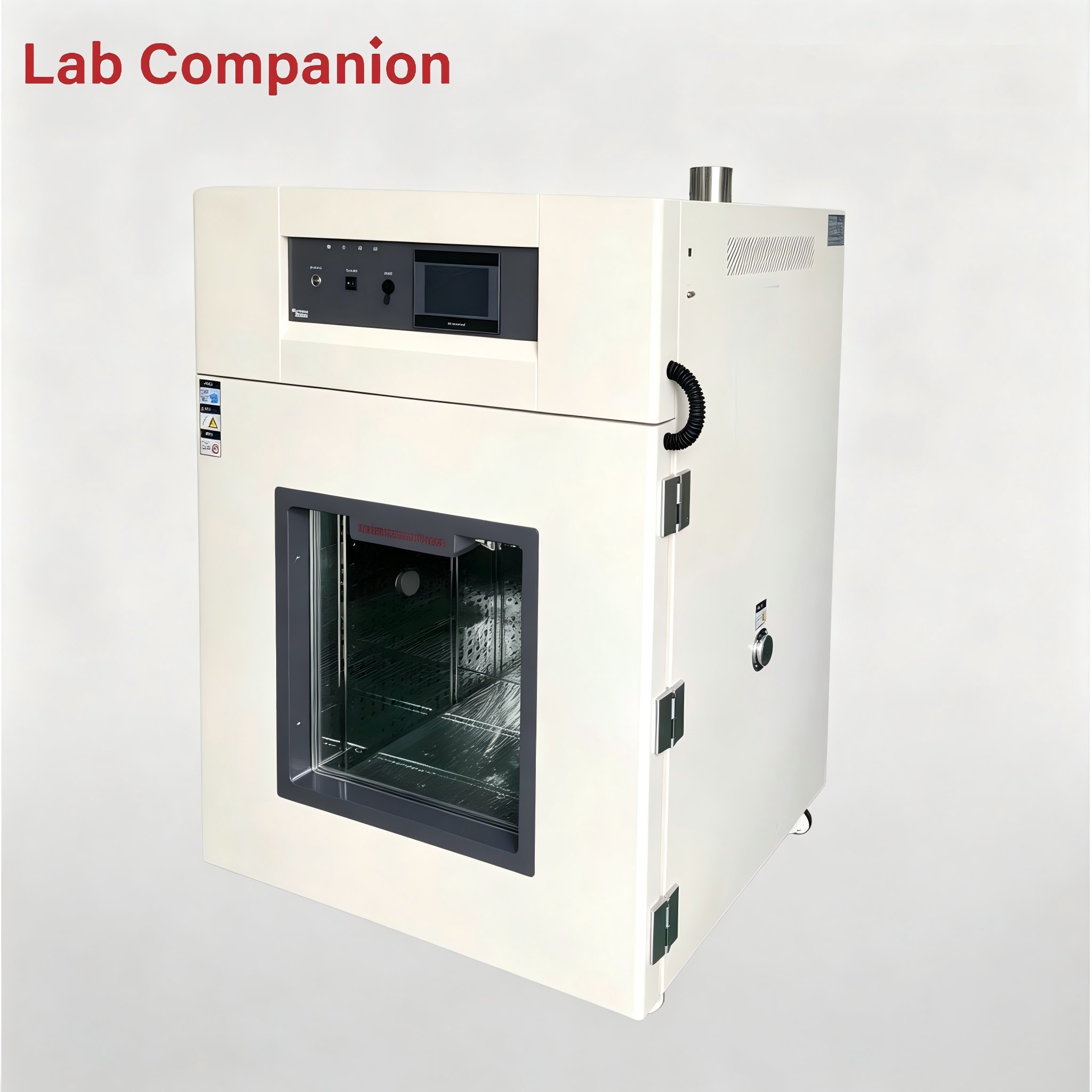
512L Precision Hot Air Circulating Oven This 512L industrial precision oven is engineered for aging, drying, baking, curing, bonding and defoaming applications across industrial, laboratory and general-purpose scenarios. Featuring a temperature range of RT-200℃, integrated programmable controller, and 0.01℃ temperature control precision, it adopts horizontal air convection technology to ensure uniform heat distribution, enabling accurate simulation of real-world conditions for product adaptability testing.
続きを読む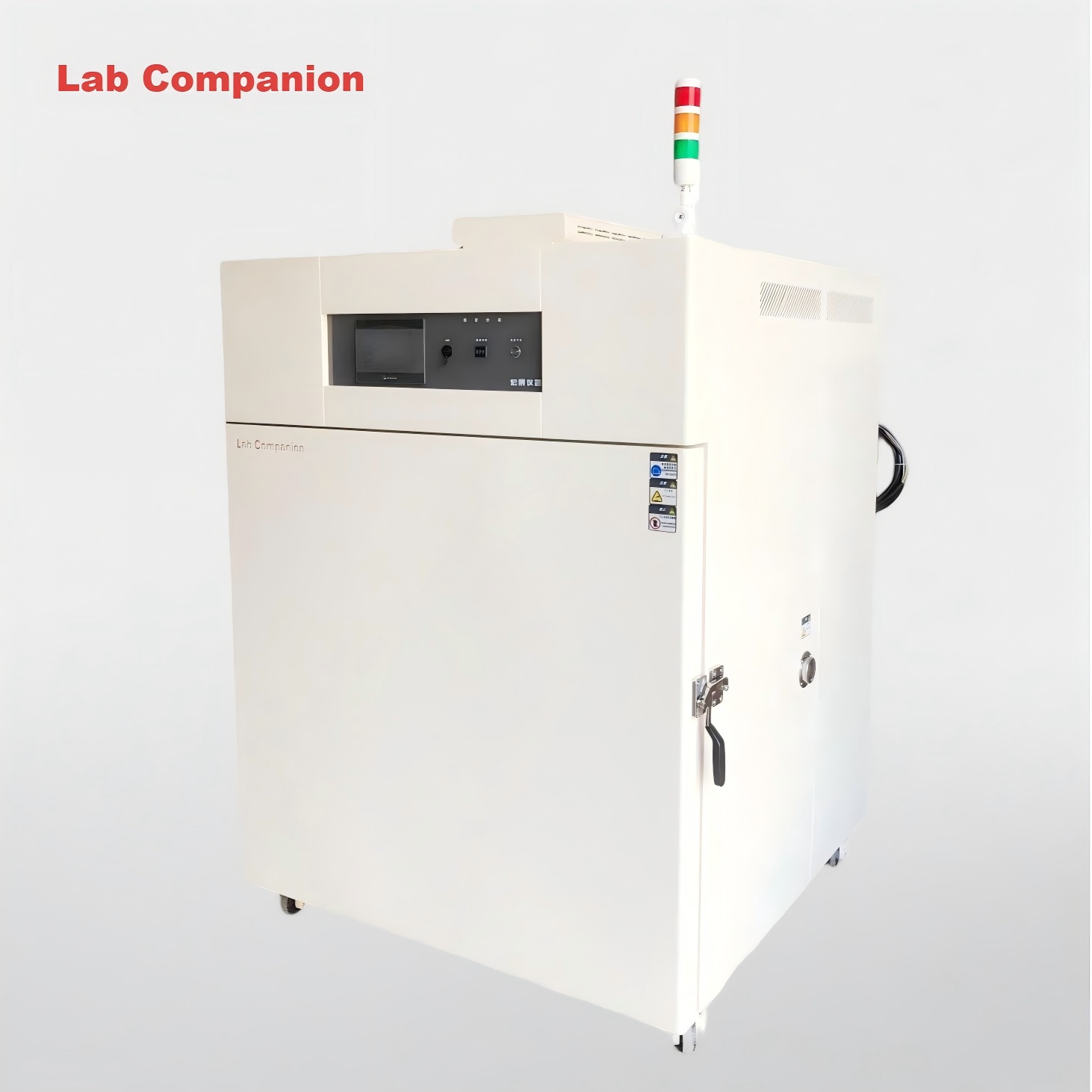
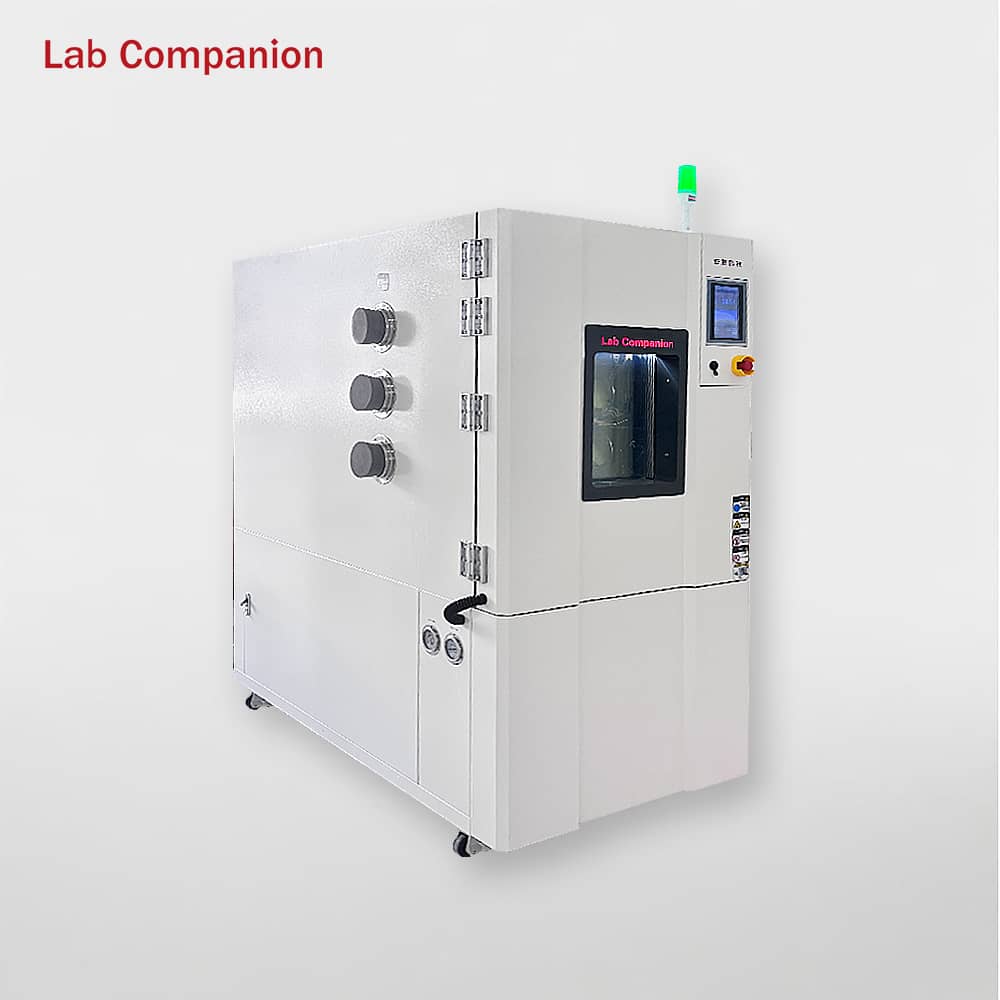
1000L Precision Temperature-Controlled Laboratory Drying Oven This 1000L industrial precision oven adopts a double-door structure for flexible operation. Boasting a generous capacity, it is integrated with a Q8 controller and features a temperature range of ambient temperature to 200℃. Its left-right air convection system ensures uniform air supply and heat distribution, enabling efficient simulation of diverse environmental conditions for product adaptability testing. The oven is ideal for aging, drying, baking, curing, bonding, defoaming and other industrial processes.
続きを読む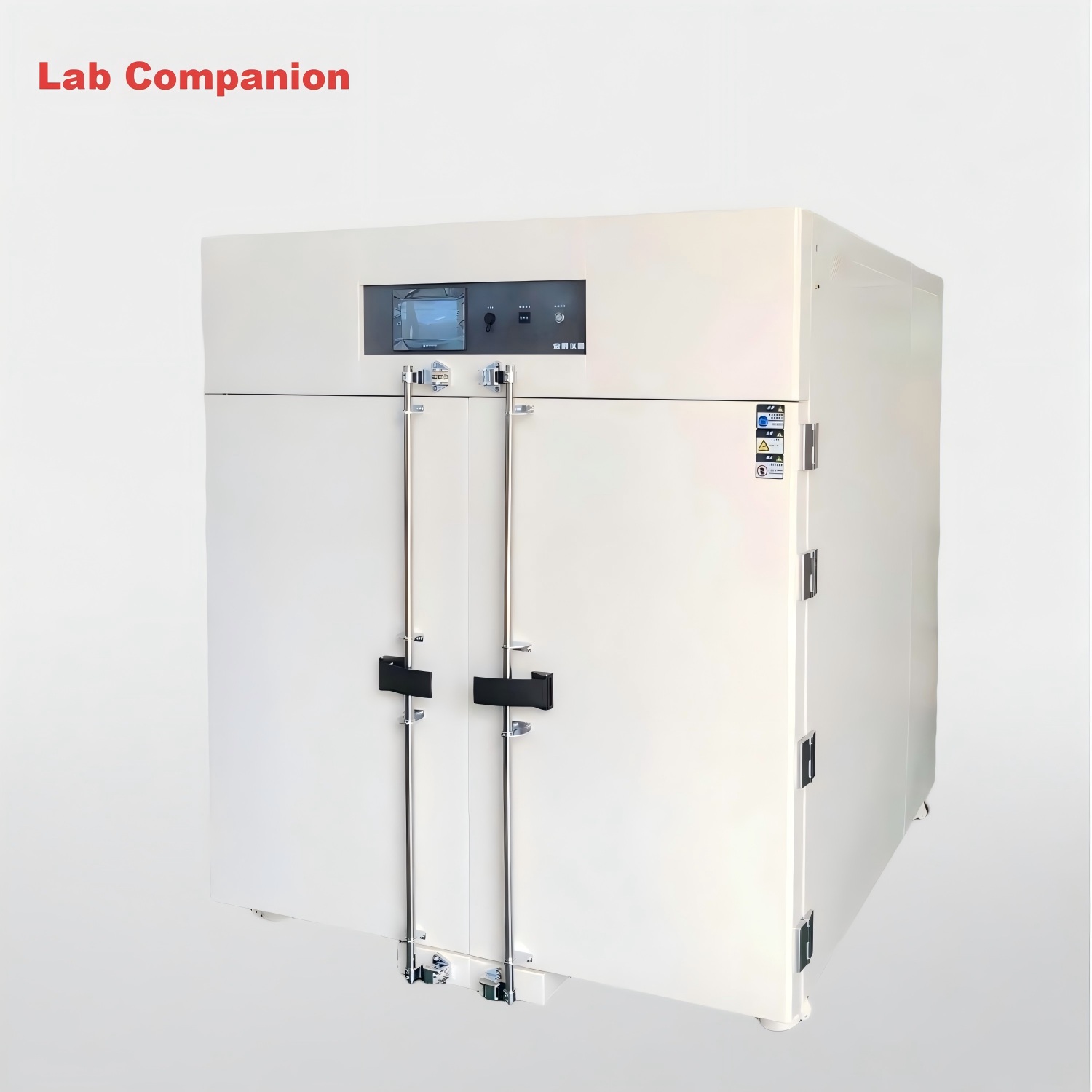
2000L Programmable Precision Temperature Control Drying Oven This 2000L industrial precision oven features a double-door design for flexible operation. Boasting an extra-large capacity, it offers a temperature range from room temperature to 125℃ with a heating rate of 3.5℃ per minute under no-load conditions. Equipped with a high-precision temperature control system and horizontal air convection device, it achieves uniform heat distribution, enabling efficient simulation of various extreme environments for product adaptability testing. Ideal for aging, drying, baking, curing, bonding, defoaming and other processes.
続きを読む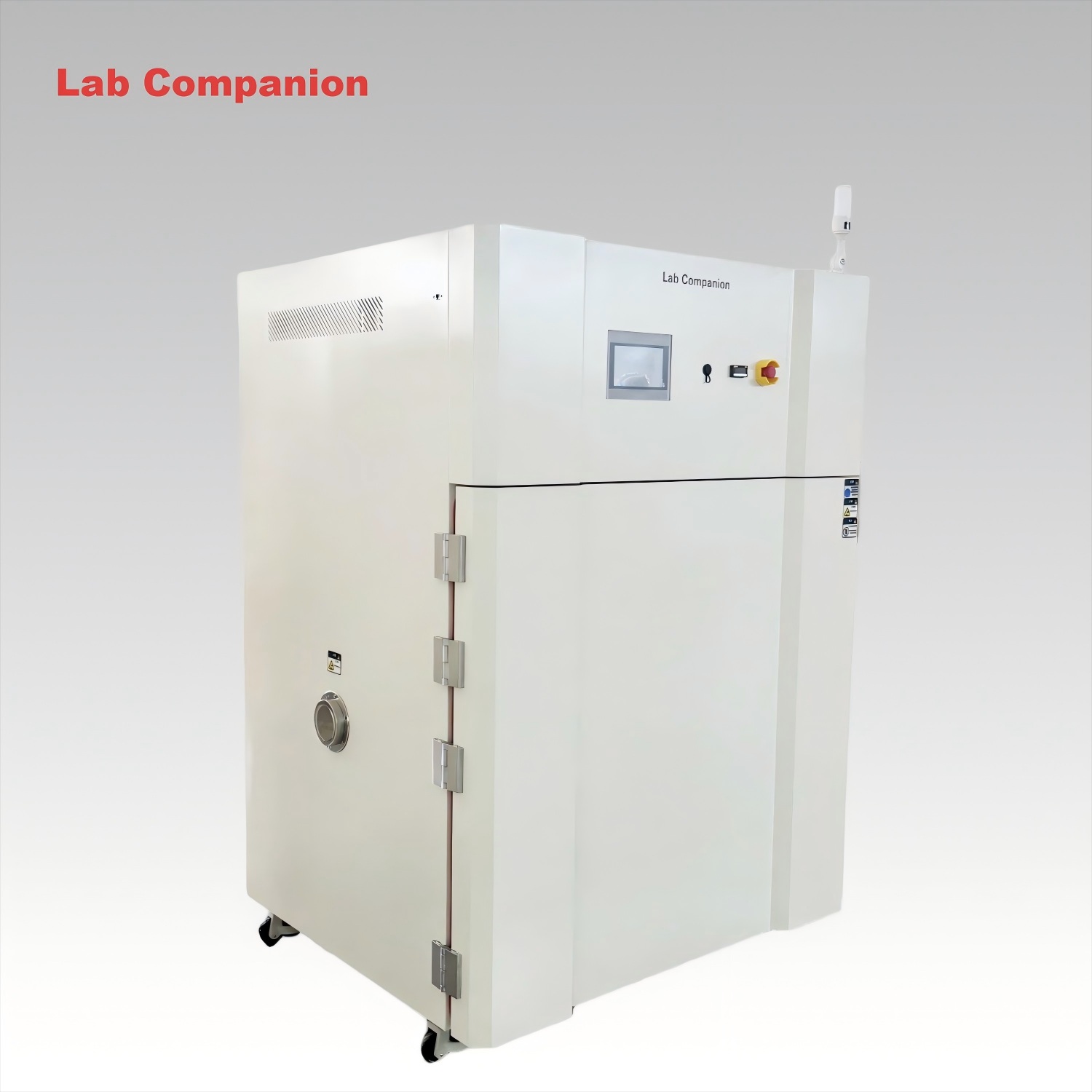
324L High-Precision Industrial Hot Air Oven This 800L industrial precision oven is ideal for aging, drying, baking, curing, bonding and defoaming processes. Featuring a large capacity, a temperature range of RT-300℃, and a heating rate of 5℃/min under no-load conditions, it is equipped with air vents on the top of the chamber. With high-precision temperature control, horizontal air convection and uniform heat distribution, it effectively simulates real-world environments for product adaptability testing. Customization services are available to meet your specific requirements.
続きを読む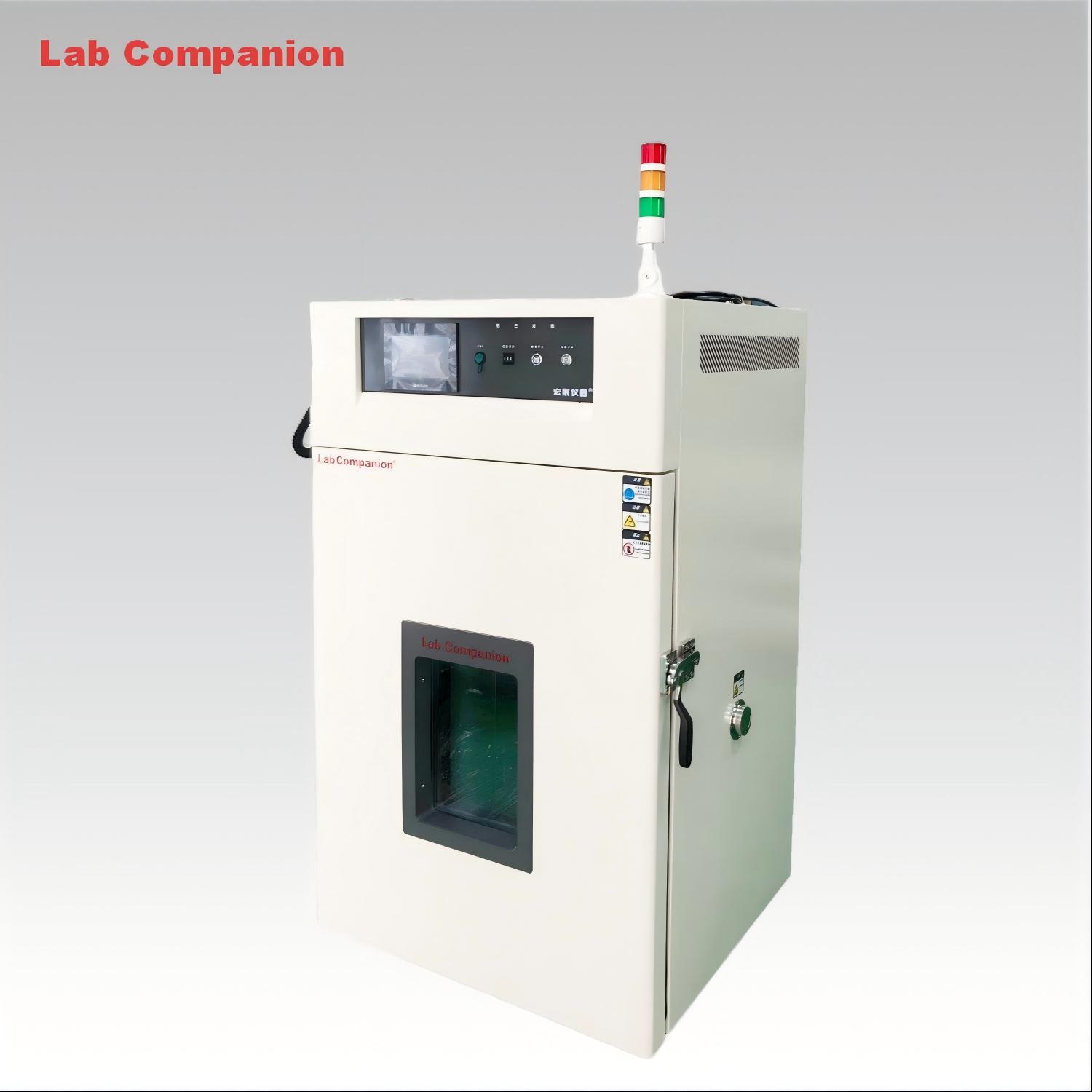
324L High-Precision Industrial Hot Air Oven This 324L industrial precision oven handles aging, drying, baking, curing, bonding and defoaming. Boasting a RT-300℃ range, high-precision temperature control, horizontal air convection and uniform heat distribution, it simulates real-world conditions for product adaptability testing.
続きを読む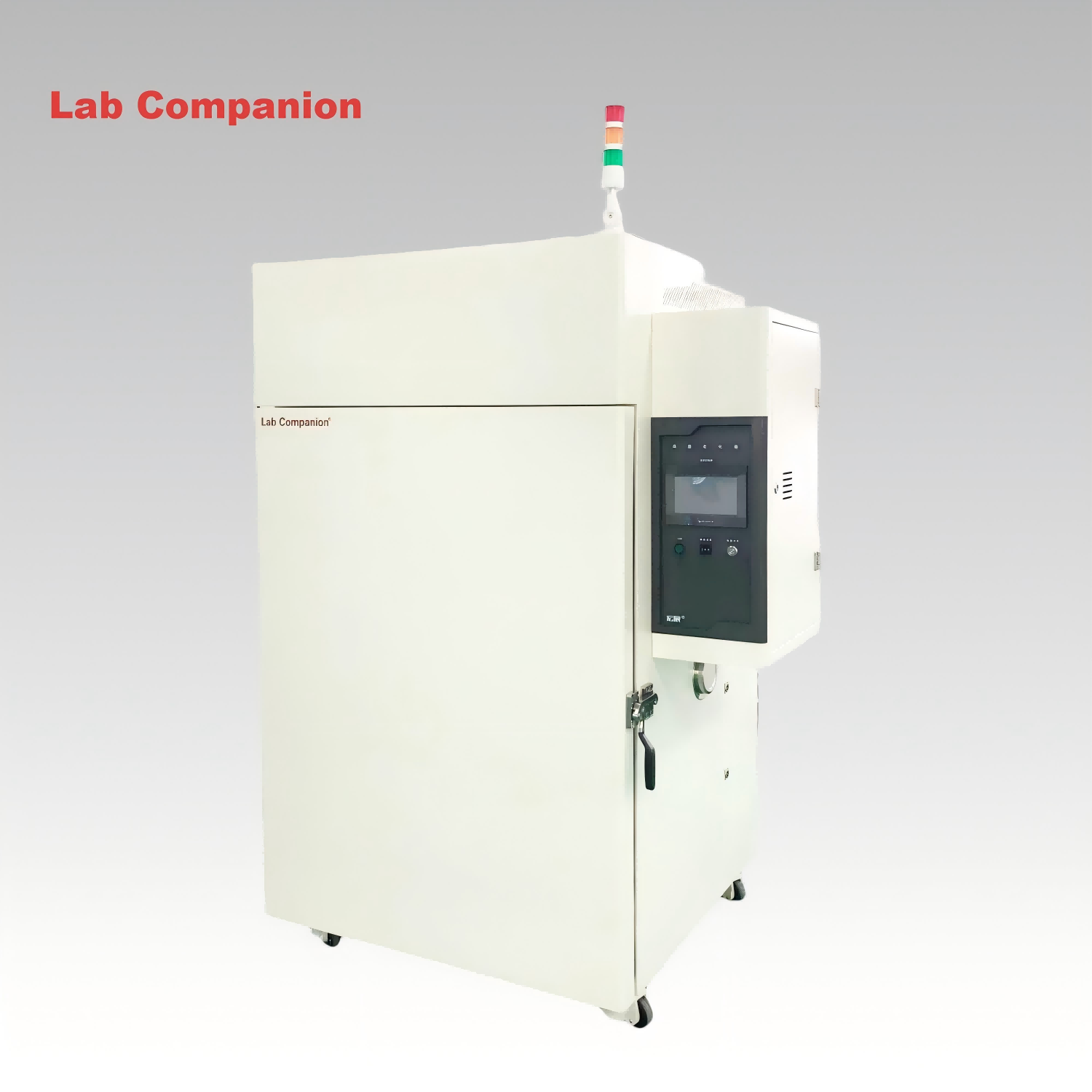
High Temperature Oven for Laboratory This 768L laboratory high-temperature aging oven is a versatile solution for aging, drying, baking, curing, bonding, and defoaming processes. It is specifically engineered to conduct adaptability tests on diverse products, components, and materials under high-temperature and constant-temperature conditions, simulating real-world storage, transportation, and operational environments.
続きを読む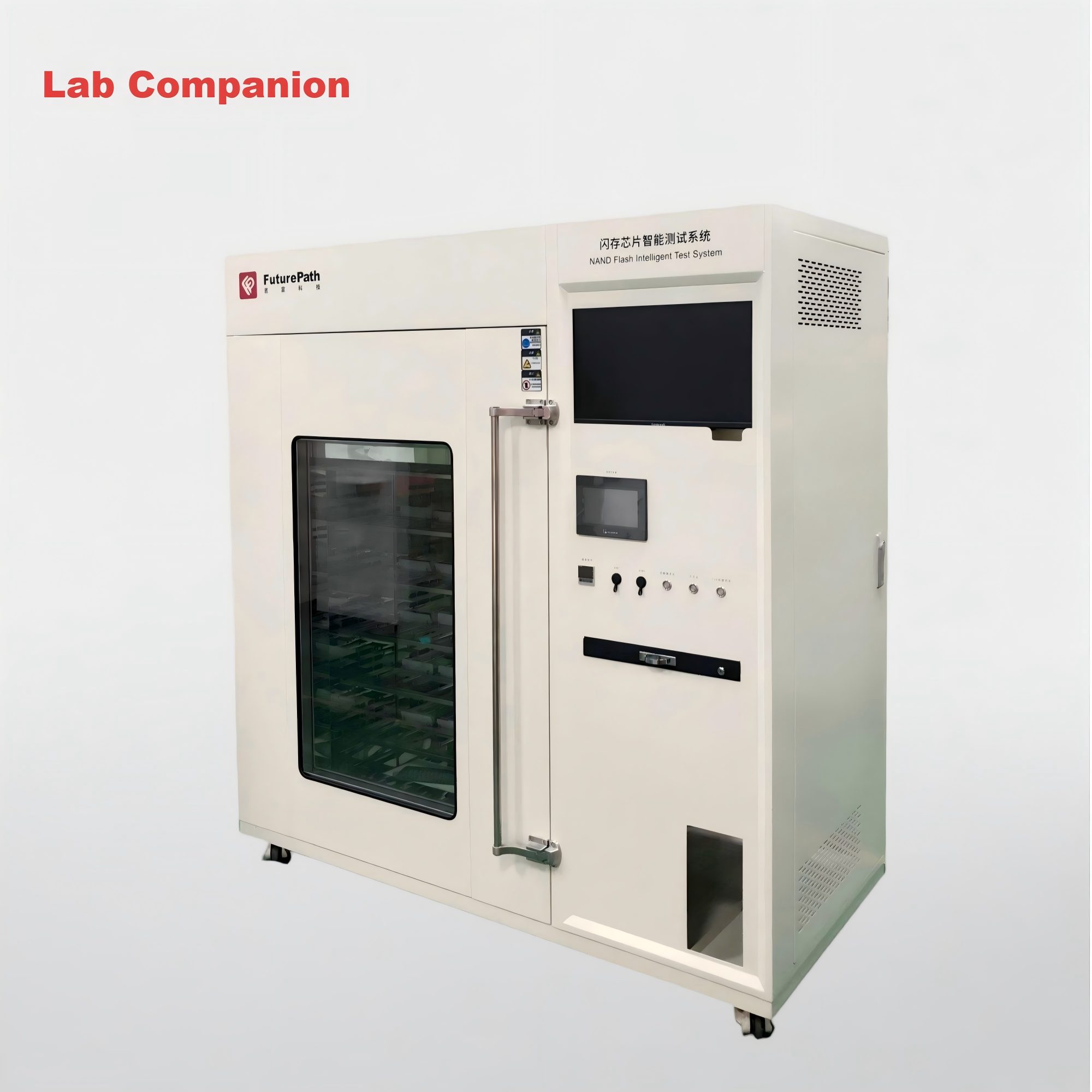
Programmable Multi-segment Temperature-controlled Precision Oven This high-performance test chamber is engineered for lab and industrial testing scenarios, with the following core advantages: +10°C to +300°C Precise & Wide Temperature Range Superior Temperature Control Accuracy Display accuracy: ±0.1°C Temperature fluctuation: ±0.5°C Temperature uniformity: ≤2°C Durable & Customizable Structure Efficient Heating & Intelligent Control Practical Safety & Convenience Features
続きを読む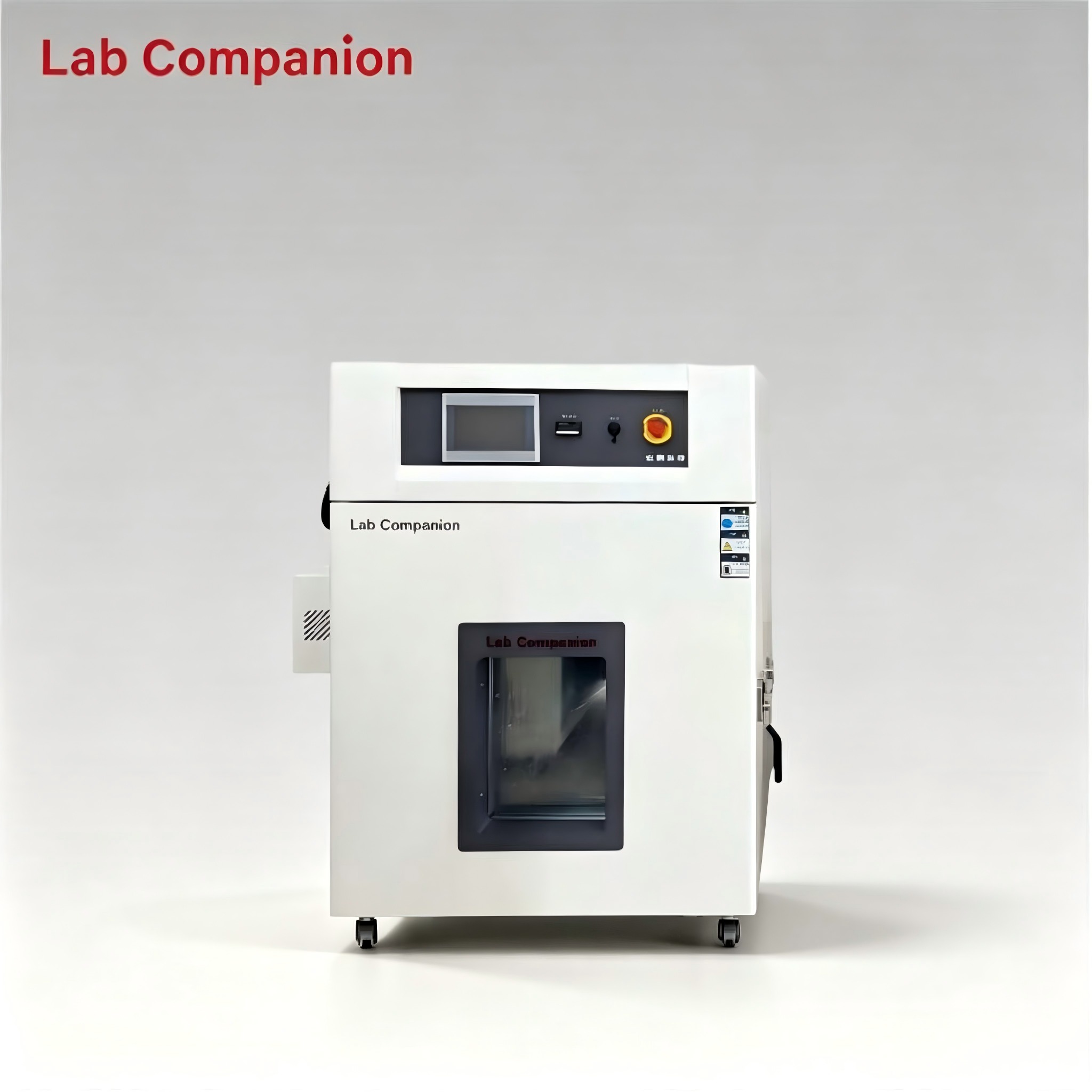
216L Industrial Step Oven for Lab Drying and Electronic Component Curing This 216L industrial step oven supports aging, drying, curing and defoaming for PCBA, new energy and composite materials. It features RT~+200℃ temperature range with programmable step profile: 65℃→85℃→110℃→60℃, non‑linear no‑load heating rate of approx. 3.5℃/min, and 0.01℃ precision programmable controller. Equipped with exhaust cooling device and viewing glass window. Horizontal air convection delivers even heat distribution for reliable thermal simulation and product reliability testing.
続きを読む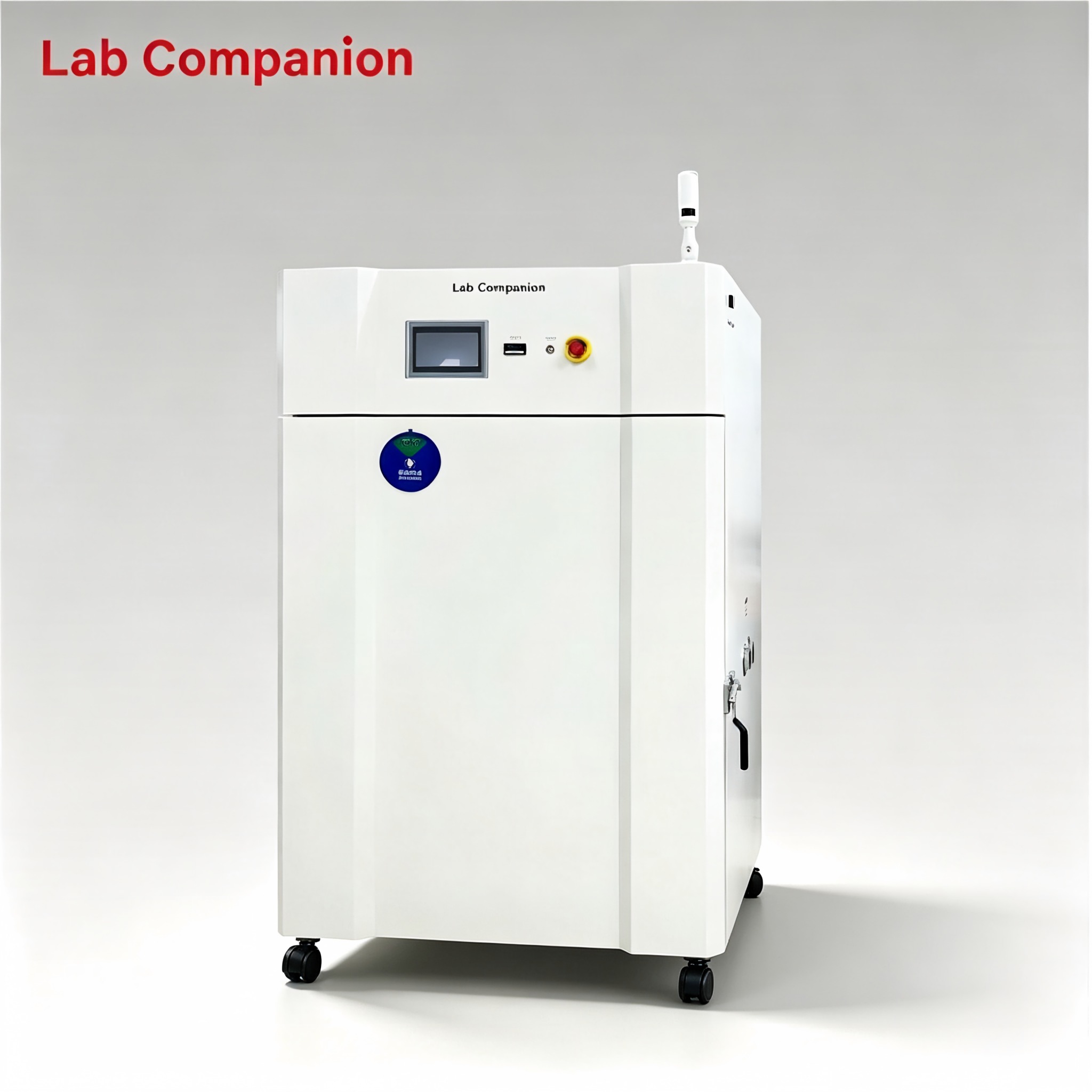
768L Industrial Precision Convection Oven for Electronics Curing and Aging Test This 768L industrial precision oven supports aging, drying, curing and defoaming for PCBA, new energy and composite materials. It features RT+15℃~100℃ range, 0.01℃ precision programmable controller, dual side test ports. Horizontal air convection delivers even heat distribution for reliable thermal simulation and product reliability testing.
続きを読む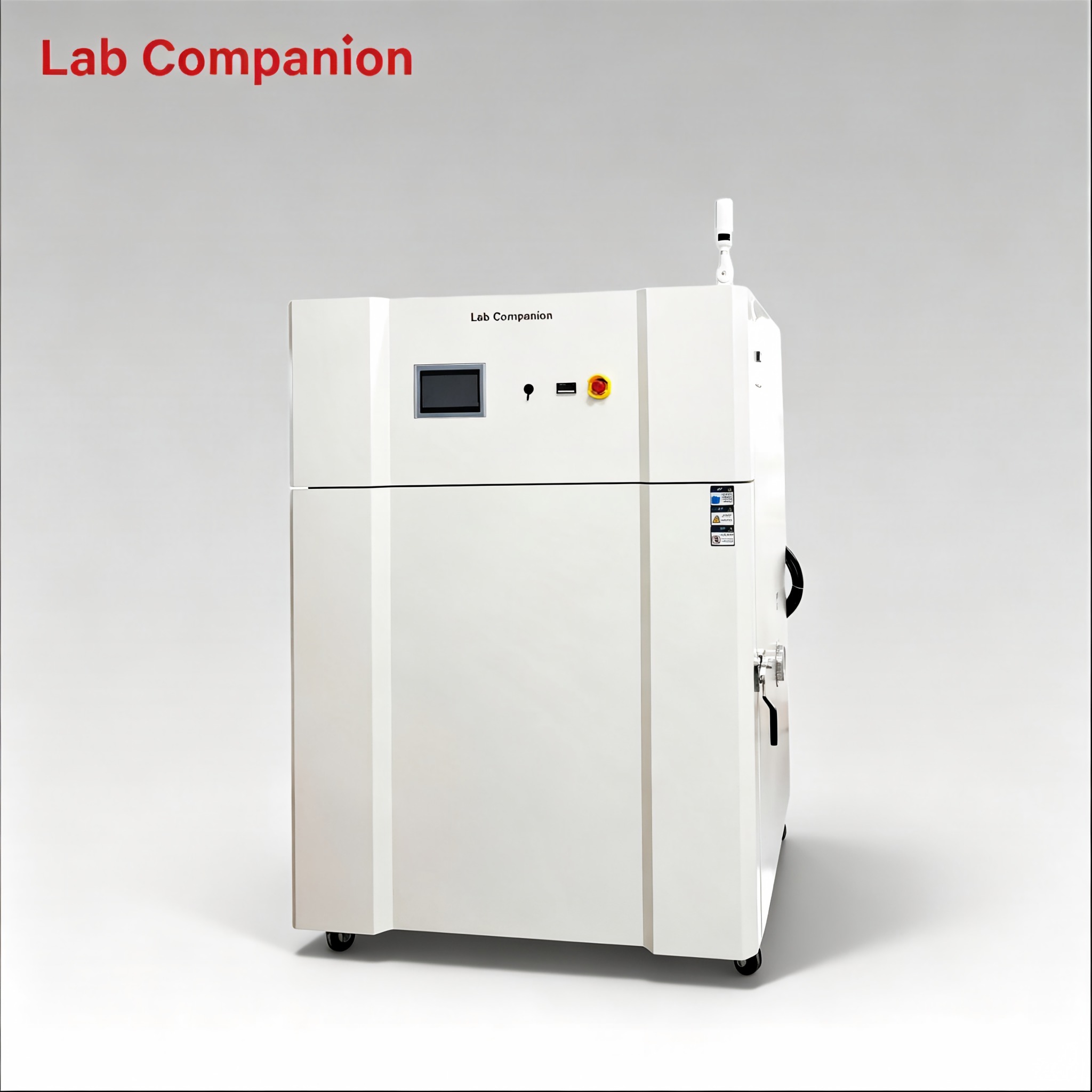
800L Forced Air Precision Oven with Side Ports for Electronics Drying Process This 800L industrial precision oven supports aging, drying, curing and defoaming for PCBA, new energy and composite materials. It features RT+10℃~200℃ range, 0.01℃ precision programmable controller, dual side test ports. Horizontal air convection delivers even heat distribution for reliable thermal simulation and product reliability testing.
続きを読む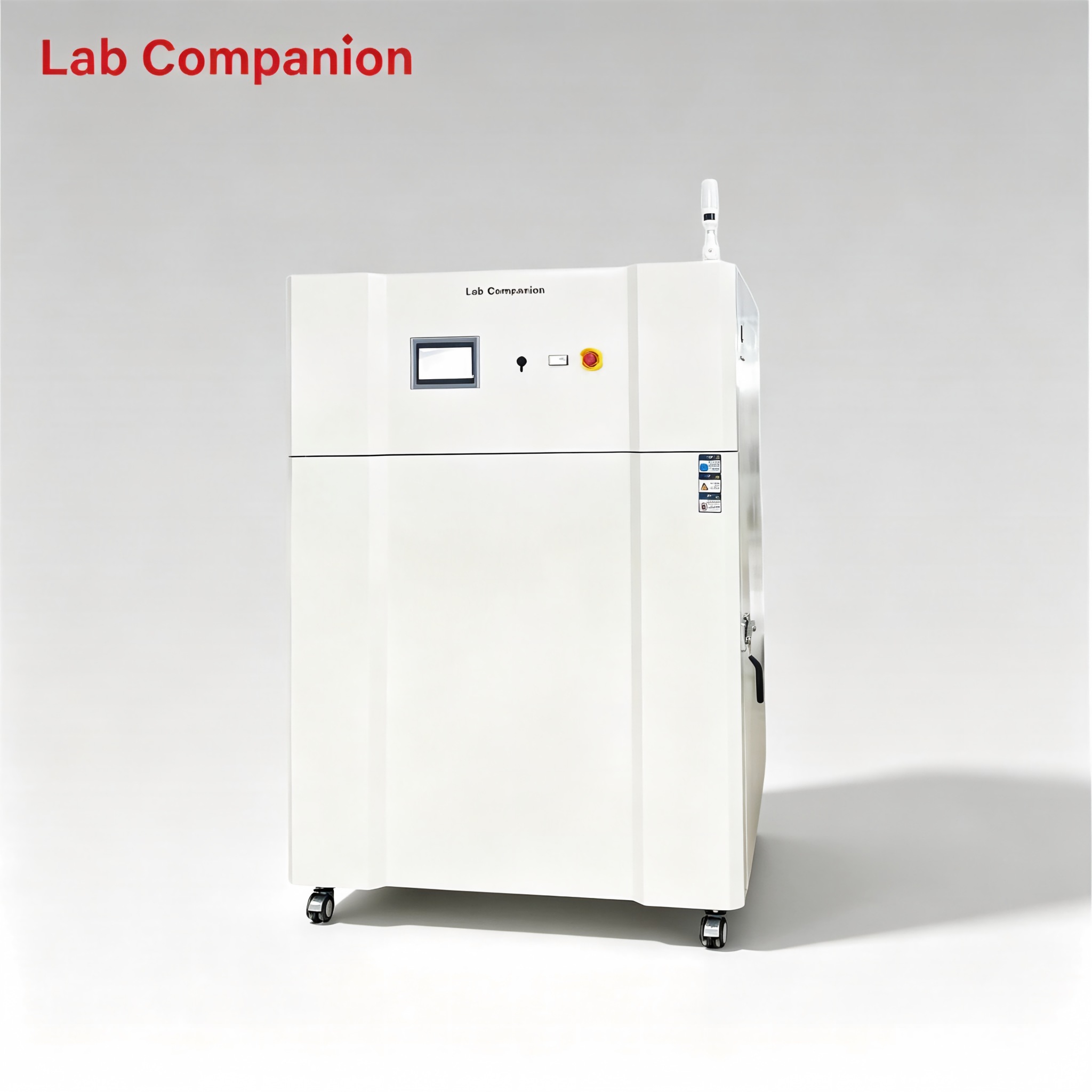
Large 800L Precision Drying Oven for Automotive Component Heat Treatment Work This 800L industrial precision oven is engineered for aging, drying, baking, curing, bonding and defoaming applications across industrial, laboratory and general‑purpose scenarios. Featuring a temperature range of RT+10℃~200℃, integrated programmable controller, and 0.01℃ temperature control precision, it comes with an exhaust ventilation system and optional side cable ports upon request. It adopts horizontal air convection technology to ensure uniform heat distribution, enabling accurate simulation of real‑world conditions for product adaptability testing.
続きを読む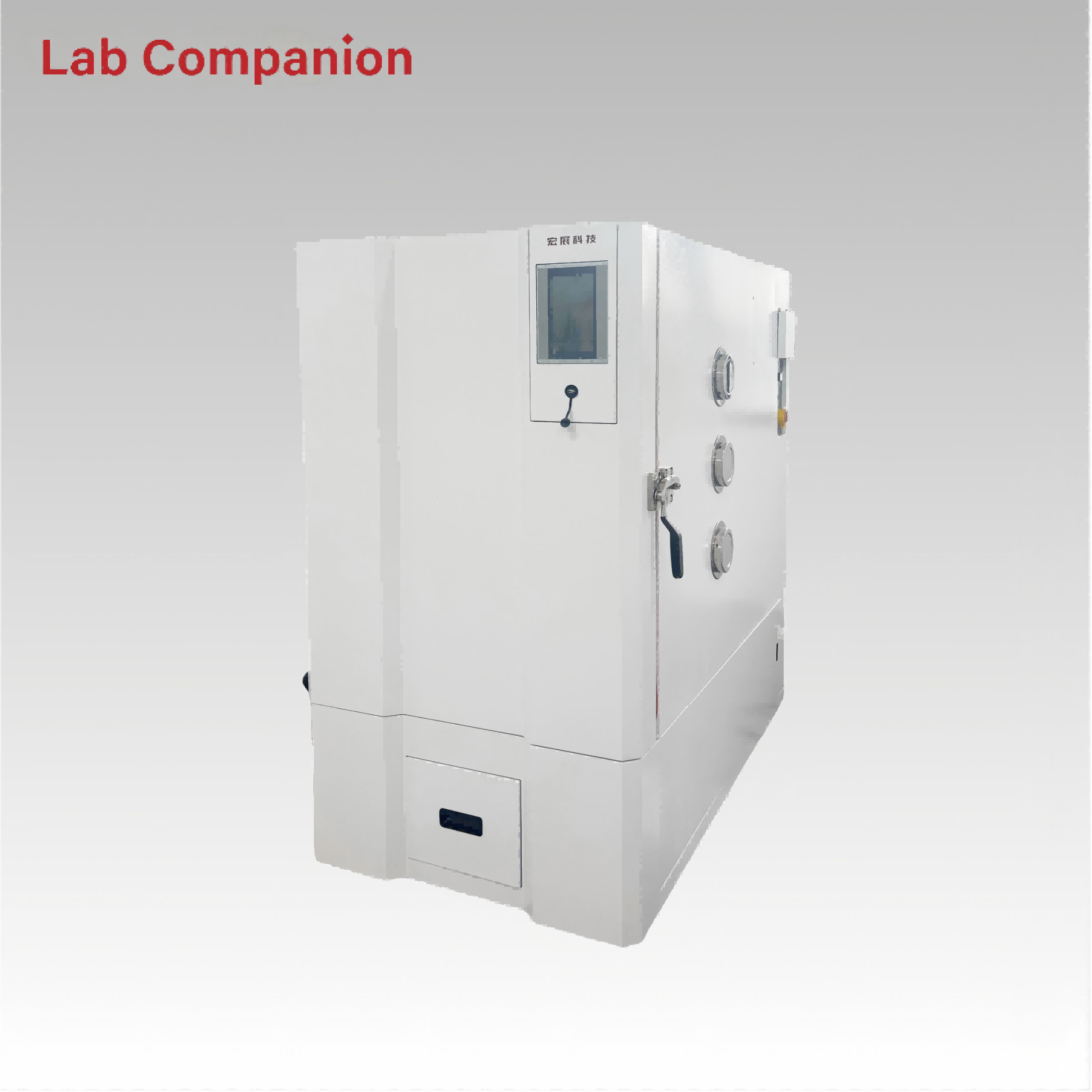
512L Custom High Temp Oven CE ISO Thermal Aging Testing This 512L industrial precision oven is designed for aging, drying, baking, curing, bonding and defoaming. It features a temperature range from RT to +300℃, with a heating rate from RT+30℃ to 300℃ (non-linear, no load; maximum heating rate >3℃/min). Equipped with an integrated programmable controller, it delivers 0.01℃ temperature control precision. Horizontal air convection guarantees uniform heat distribution for stable and reliable product testing.
続きを読む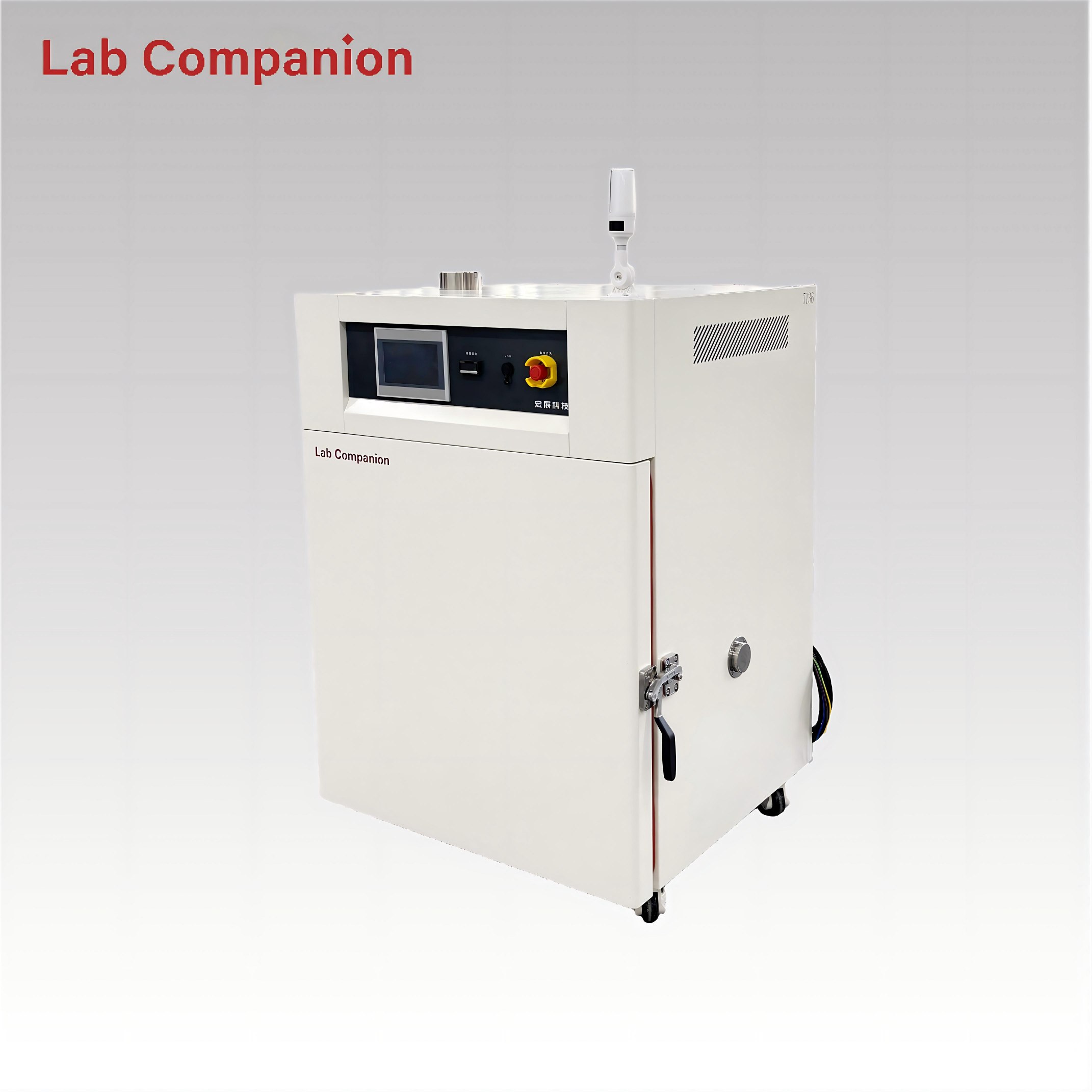
216L Forced Air Convection Drying Oven CE Certified This 216L industrial precision oven is designed for aging, drying, baking, curing, bonding and defoaming. It features a temperature range from RT to +220℃, with a heating rate from RT+10℃ to 200℃ (non-linear, no load; maximum heating rate >3.5℃/min). Equipped with an integrated programmable controller, it delivers 0.01℃ temperature control precision. Horizontal air convection guarantees uniform heat distribution for stable and reliable product testing.
続きを読む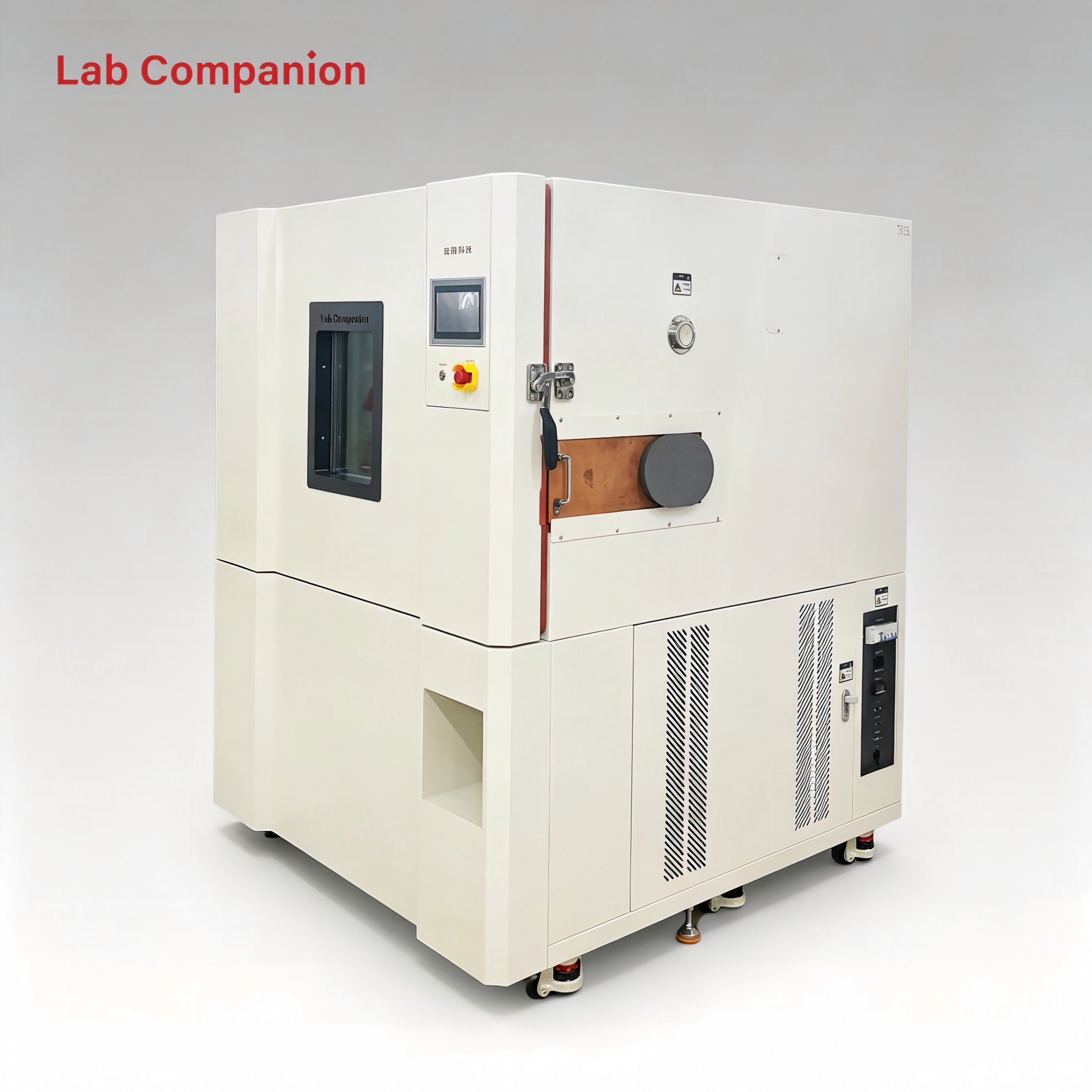
736L Precision Oven CE ISO for Plastic & Rubber Curing Use The 736L precision industrial oven is applicable to aging, drying, baking, curing, bonding and defoaming. It works within RT~150℃ and offers a max linear heating rate of 3℃/min without load. The embedded programmable controller provides 0.01℃ high-precision temperature control. Horizontal air convection ensures consistent temperature inside the chamber to secure stable and credible testing performance.
続きを読む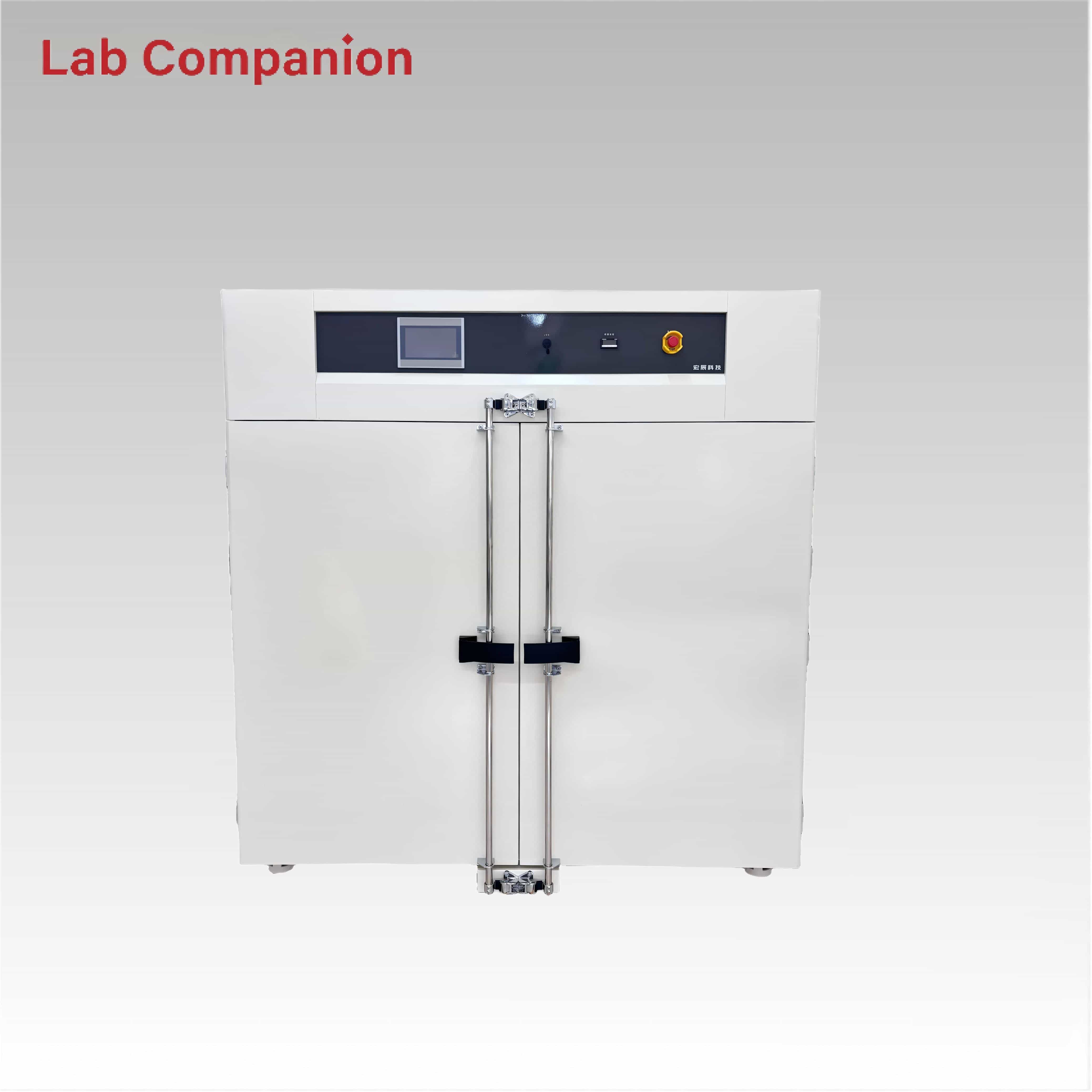
157L High Precision Industrial Drying and Heating Oven This 157L industrial precision oven is designed for aging, drying, baking, curing, bonding and defoaming. It offers a temperature range of RT to +200℃ with a heating-up time of 25 minutes, an integrated programmable controller, and 0.01℃ temperature control precision. Horizontal air convection ensures uniform heat distribution for reliable product testing
続きを読む
1260L Precision Oven for Electronic Components This 1260L industrial precision oven is engineered for aging, drying, baking, curing, bonding and defoaming applications across industrial, laboratory and general-purpose scenarios. Featuring a temperature range of RT-200℃, integrated programmable controller, and 0.01℃ temperature control precision, it adopts horizontal air convection technology to ensure uniform heat distribution. With non-linear no-load heating and a heating rate of approximately 3.5℃/min, it enables accurate simulation of real-world conditions for product adaptability testing.
続きを読む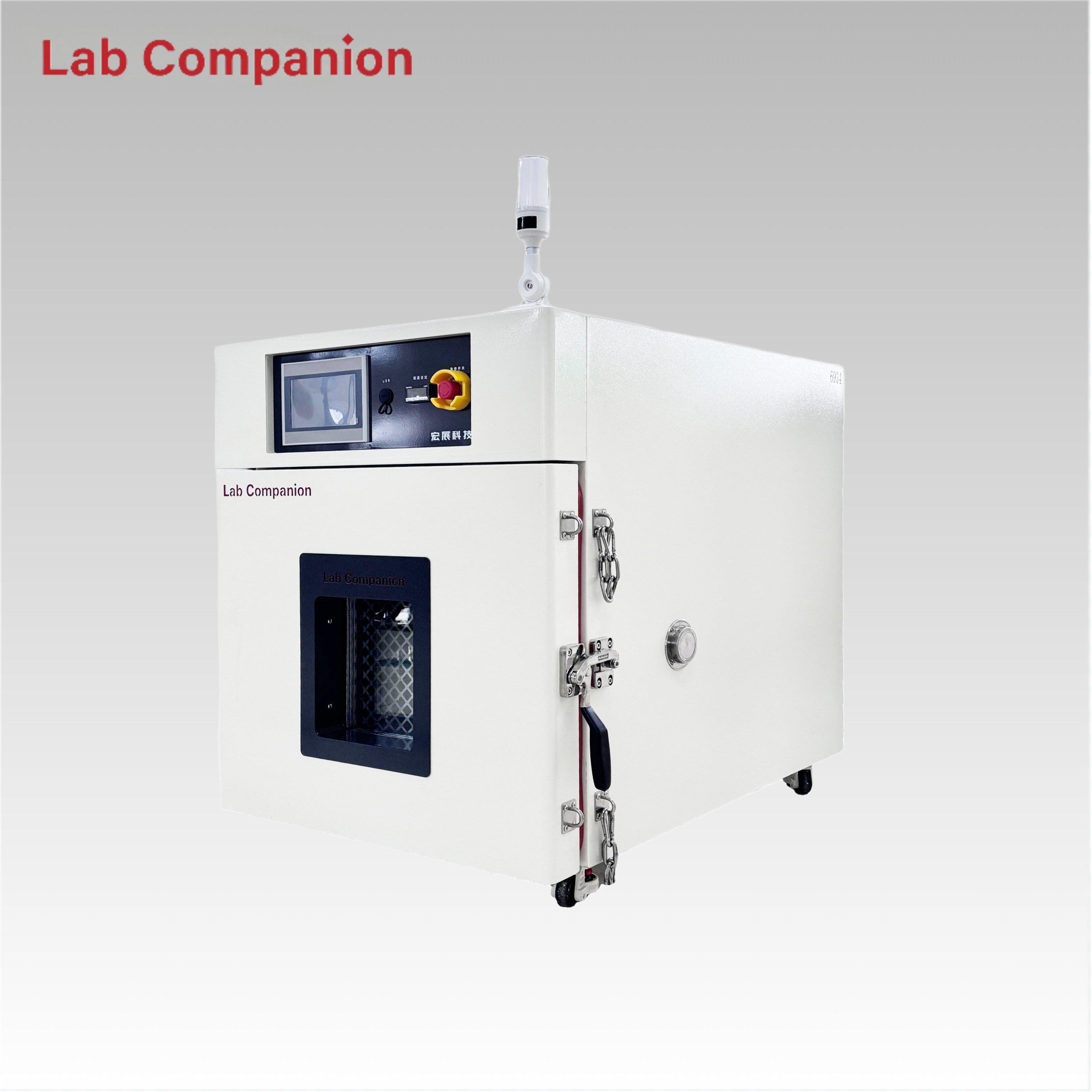
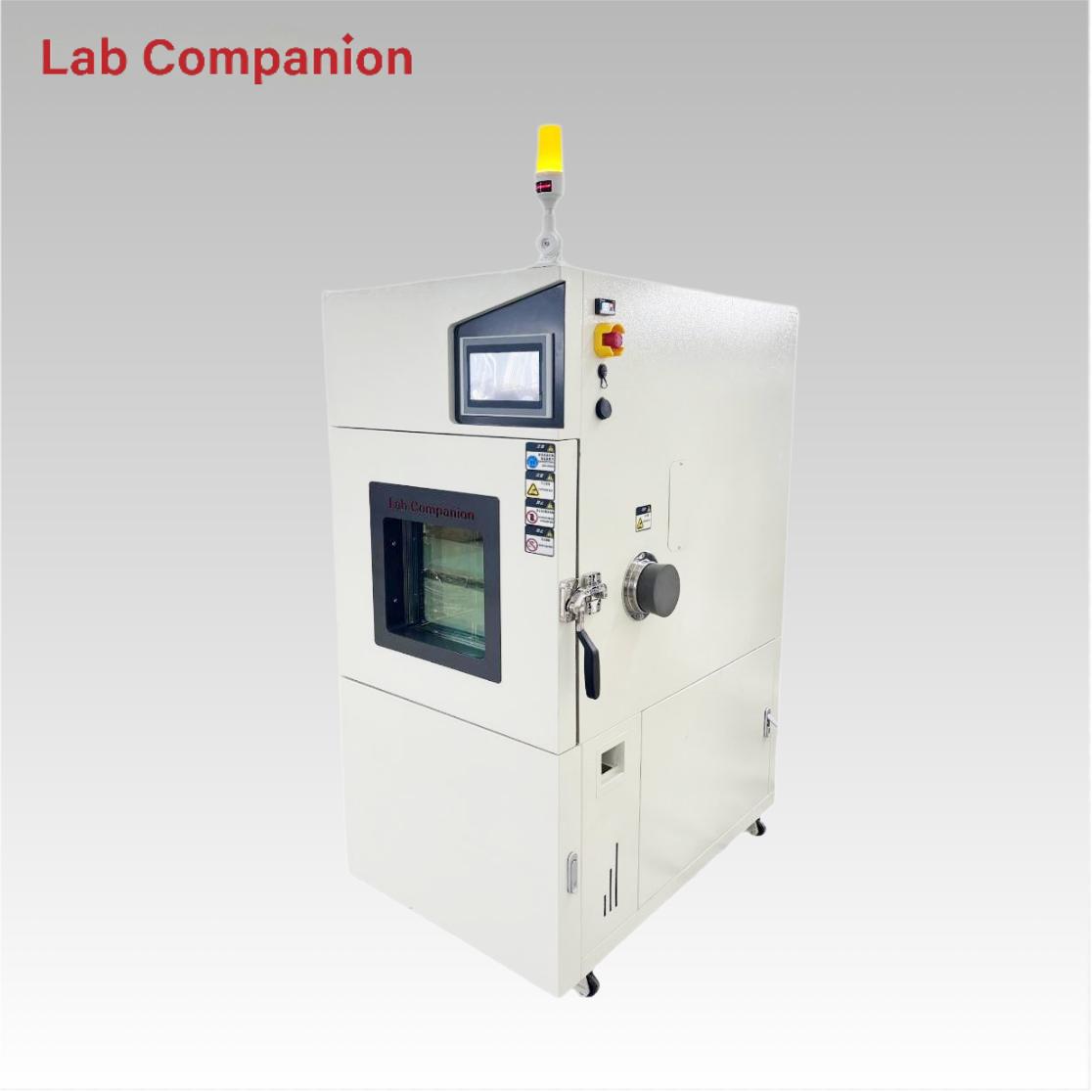
Explosion-Proof Precision Oven 91L Capacity This 91L explosion-proof industrial precision oven features a single-door structure for flexible operation, equipped with a C100 touch screen controller and triple over-temperature protection. It has a precise temperature range of ambient +15℃ to 200℃ with a non-linear empty load heating rate of approximately 5℃/minute; its left-right air convection system ensures uniform air and heat distribution, ideal for aging, drying, curing, bonding, defoaming and other industrial processes.
続きを読む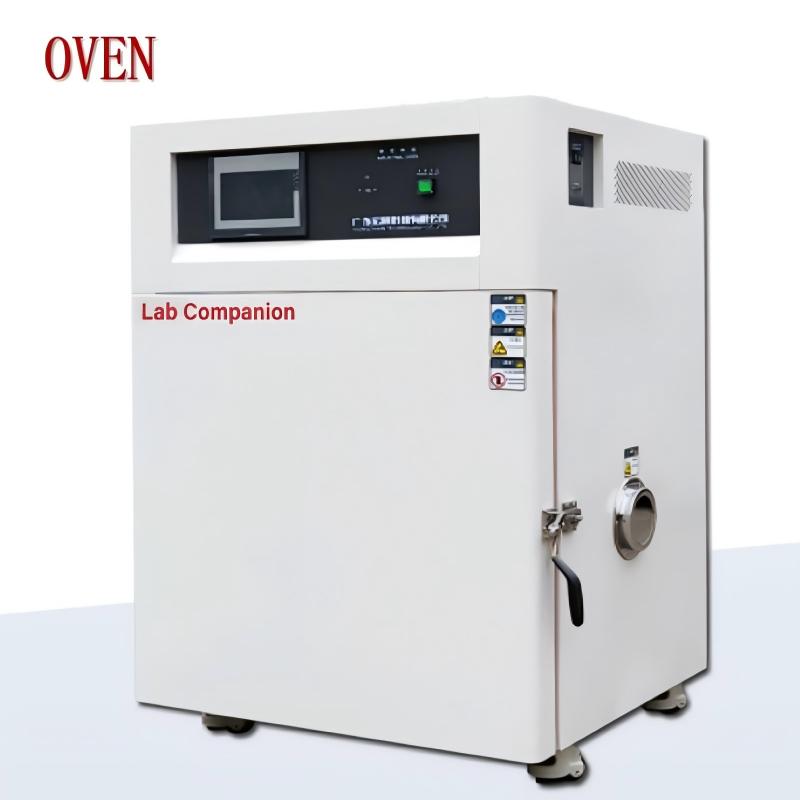
実験室用高温エージングオーブンは、エージング、乾燥、ベーキング、硬化、接着、脱泡などのプロセスと同義です。高温および恒温環境での保管、輸送、使用時間適応性テストにおけるさまざまな製品、部品、材料の要件を満たし、電子産業の半導体デバイス、電子部品の硬化、エージングなどの生産成形プロセスに適しています。また、大学や科学研究機関、工業および鉱業企業が製品温度に高い要件を持つ実験またはワークショップの生産ラインにも適しています。
続きを読む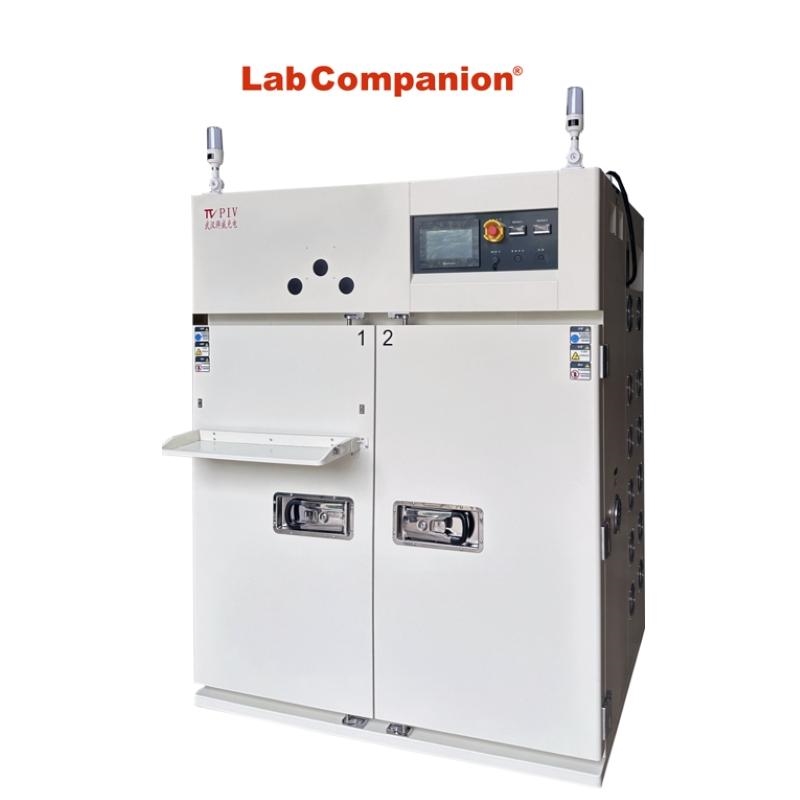
高温充電エージングチャンバーは、恒温エージングルームまたは高温エージングルームとも呼ばれ、高性能電子製品の高温および過酷な環境テストをシミュレートするためのもので、製品の安定性と信頼性を向上させるための重要な実験装置です。これは、各生産企業が製品の品質と競争力を向上させるための重要な生産プロセスです。この装置は、電子、電気、コンピューター、通信、バイオ医薬品、セキュリティ、照明などの分野で広く使用されています。高温充電エージングチャンバーは通常、空気ダクトシステム、温度制御システム、屋内テストアーキテクチャなどで構成されています。
続きを読む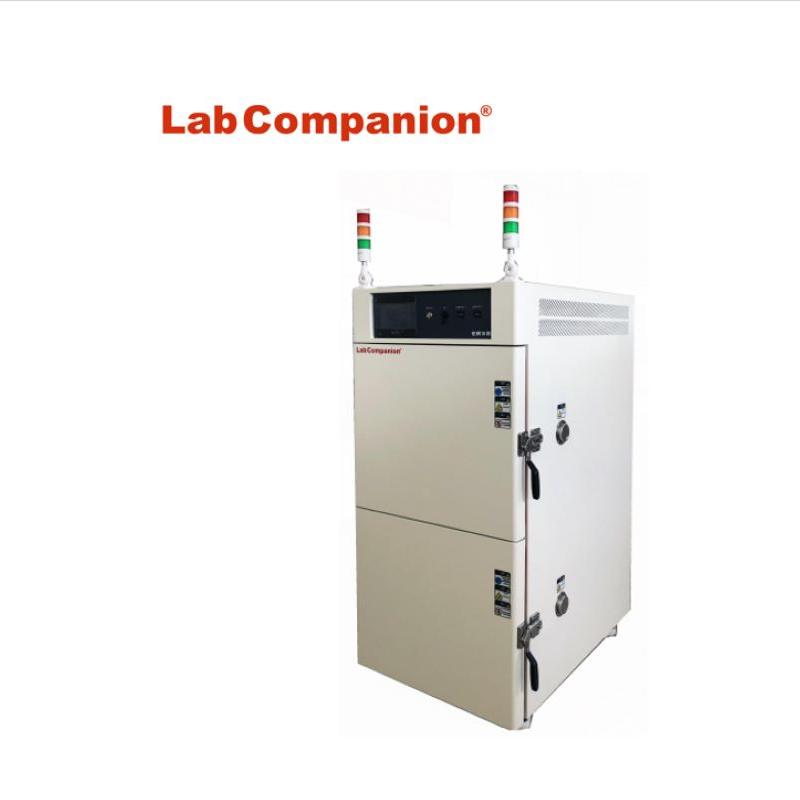
真空精密高温オーブンは、熱に敏感で、分解や酸化しやすい物質を乾燥するために設計されています。内部に熱ガスを充填することができ、複雑な成分も素早く乾燥できます。科学研究、大学、電気、材料、繊維、電子、化学、食品、農業、半導体、高分子材料、軍事、航空、船舶、郵便、通信、自動車、医療、包装、深海、アウトドア、その他の産業や企業、機関で広く使用されています。
続きを読む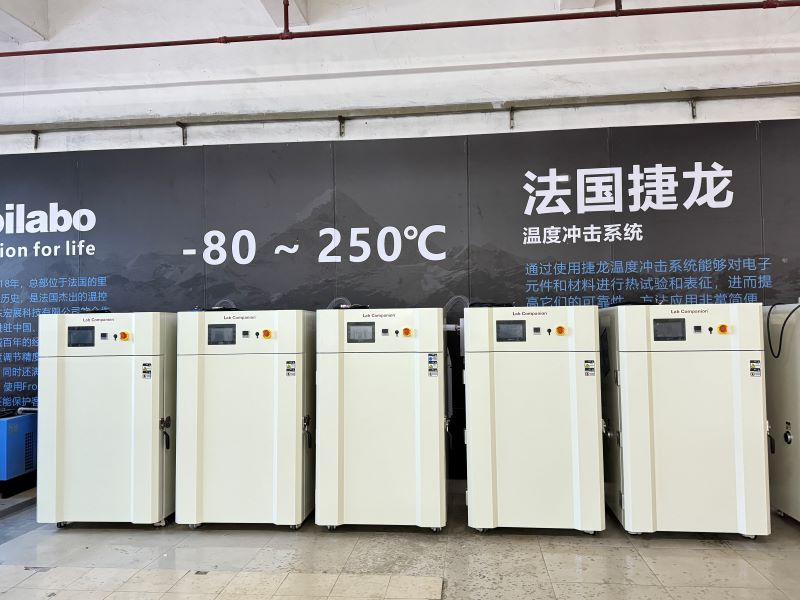
当社の大容量高温工業用オーブンは、ユーザーの要件に応じて、さまざまなオプション機能、サイズ/インジケーター/容量などでカスタマイズできます。最大温度制限はオプションで 300°C です。
続きを読む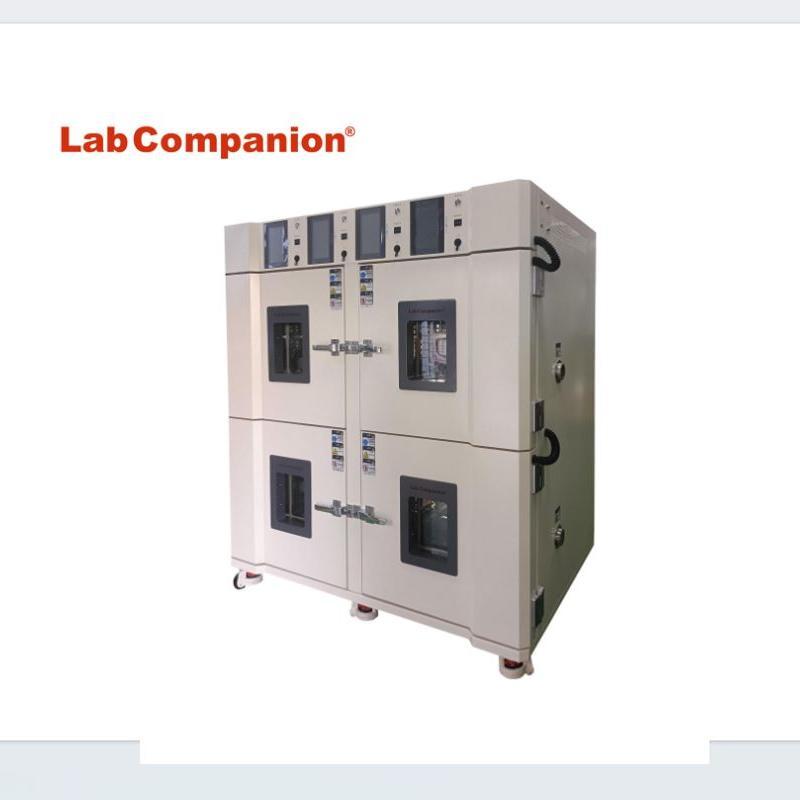
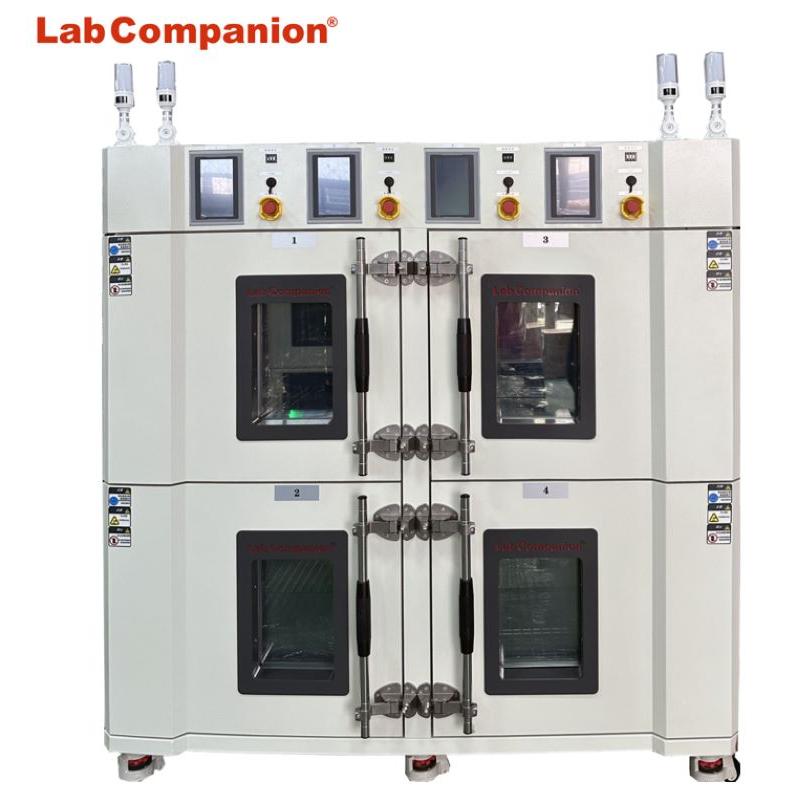
工業および鉱業企業、実験室、科学研究ユニットの乾燥、焼成、ワックスの溶解、殺菌などに使用できる多重精密高温オーブン。4つの独立した温度制御試験室と4つの制御システムにより、各試験室の温度を独立して制御し、標本間の比較を容易にします。この装置は、省スペースとコスト削減の利点もあります。この装置は、電子製品および材料、電池、バッテリー、プラスチック製品、金属材料、自動車部品、航空宇宙、大学の科学研究などに一般的に使用されています。
続きを読む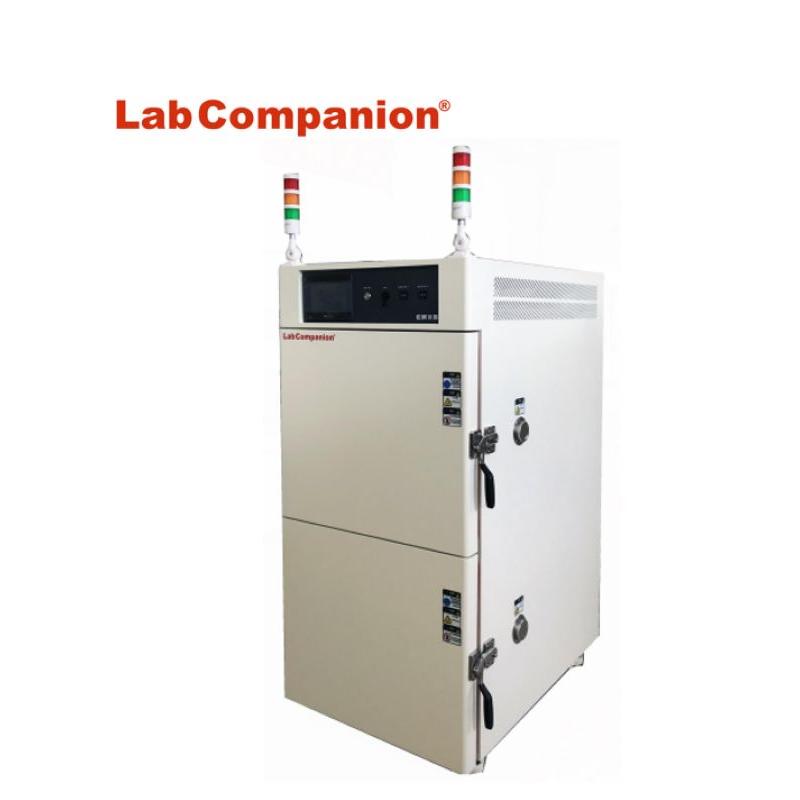
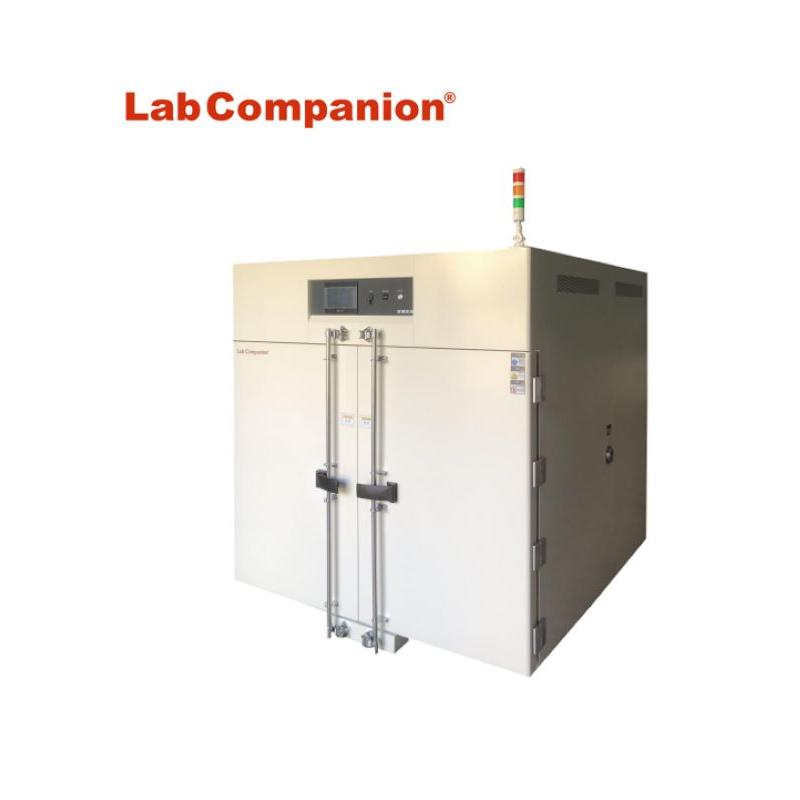
工業および鉱業企業、実験室、科学研究ユニットの乾燥、焼成、ワックスの溶解、殺菌などに使用できる二重入口精密高温オーブン。2層独立温度制御テストボックスは、2つの制御システムを使用して各テストボックス本体の温度システムを独立して制御し、サンプル間の比較を容易にします。この装置は、スペースとコストを節約するという特徴もあります。この装置は、電子製品と材料、バッテリー、プラスチック製品、金属材料、自動車部品、航空宇宙、大学の科学研究などに一般的に使用されています。
続きを読む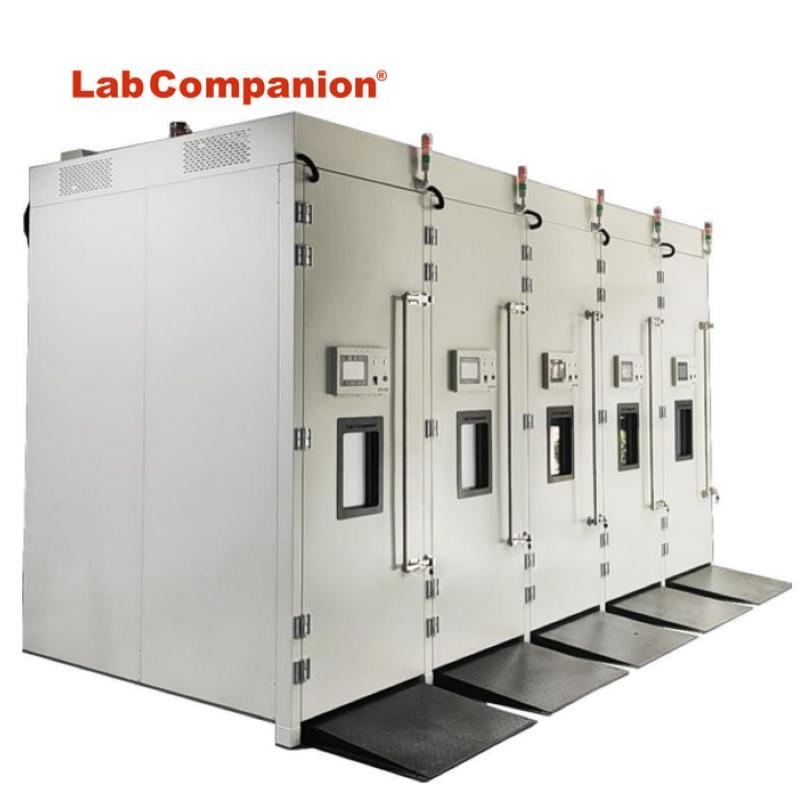
高温老化実験室は老化室(燃焼室)とも呼ばれ、高性能電子製品(コンピュータ機器、ディスプレイ、端末、自動車製品、電子製品、電源、ホストボード、モニター、スイッチング充電器など)を対象としています。高温、悪環境試験装置のシミュレーションは重要な実験である。 製品の安定性と信頼性を向上させるための設備。隔離された熟成室の部屋のサイズは、顧客の要件に応じて設計されています。5つの温度制御システムにより、独立した温度制御を実現できます。出入り時には断熱スライドドアまたは二重開放断熱ドアを使用し、必要に応じて観察窓を設定して、屋内の製品テスト状況を屋外で観察できます。電源が必要な場合は、便利な場所に電源ソケットを設置してください。 製品の老化試験のニーズを満たす位置にあります。
続きを読む 見積もりを依頼する


 IPv6ネットワークをサポート